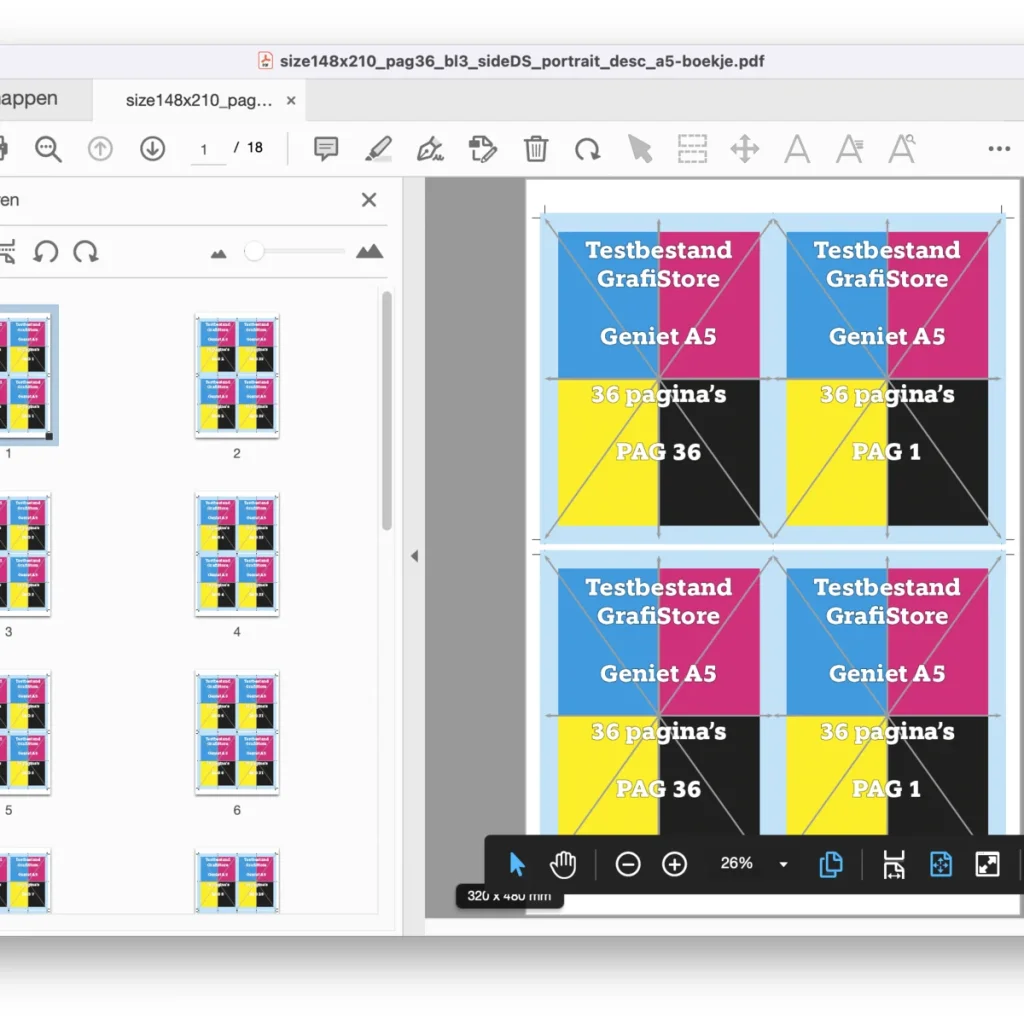
Quite Hot Imposing is the most-used imposition package in the graphic arts: fast, reliable and with the fewest bugs. Previously you created an imposition in Quite Imposing Plus, exported it as a sequence (XML) and used it in Enfocus Switch. Dynamic adjustments required manual XML edits and unit conversions. Now there's a better way!
New configurator: Quite Helper
The Quite Helper configurator, developed by Bluewest (France), offers a simpler and more flexible way to use Quite Hot Imposing in Switch:
Direct control from Switch, without pre-generated XML files;
Dynamic settings, without manual editing;
Automatic unit conversion — no more hassle from millimetres to PostScript points;
Optimal use of the Quite Hot Imposing engine, without unnecessary intermediate steps.
Benefits
Efficiency: faster processing without complex configurations.
Flexibility: easier to adapt to varying jobs.
Better integration: native support for dynamic input and output.
Future-proof: developed with modern workflows in mind.
The configurator is available in the Enfocus AppStore or via your Enfocus Switch reseller for around €250 per year (2025 price, may no longer apply). If this doesn't save you time, I don't know what will.
Build your workflow
The first flow is super simple. Make sure Quite Hot Imposing and Enfocus Switch are installed, install the app in your Switch environment (30-day trial), create your first workflow and choose in Quite Helper what you want: Step and Repeat, Booklet (saddle-stitched, bound, or cut and stack), N-up pages, and so on. Then choose the details and create an output folder for good and error files.
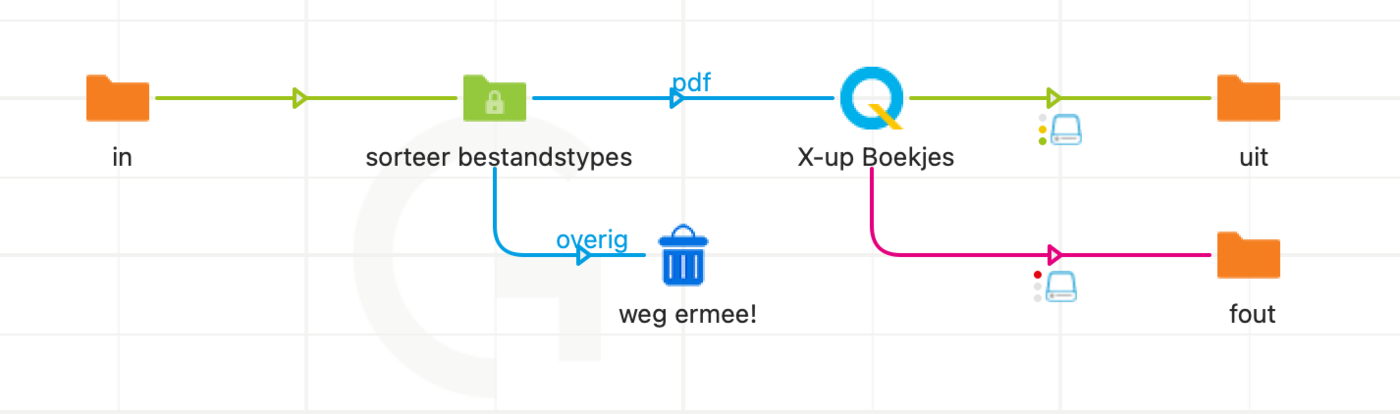
Advanced mode
Always want a booklet, regardless of size? Chain multiple commands:
Command 1: Booklet, Saddle Stitched — with 'Make the booklet page large…' you create a booklet the size of the laid-out pages.
Command 2: Define Bleeds — account for 3 mm bleed.
Command 3: Step and Repeat, for example at 320 × 480. Note: set 'Column' and 'Row' to '0' so as many are placed as fit. 'Horizontal' and 'Vertical spacing' set the gutter.
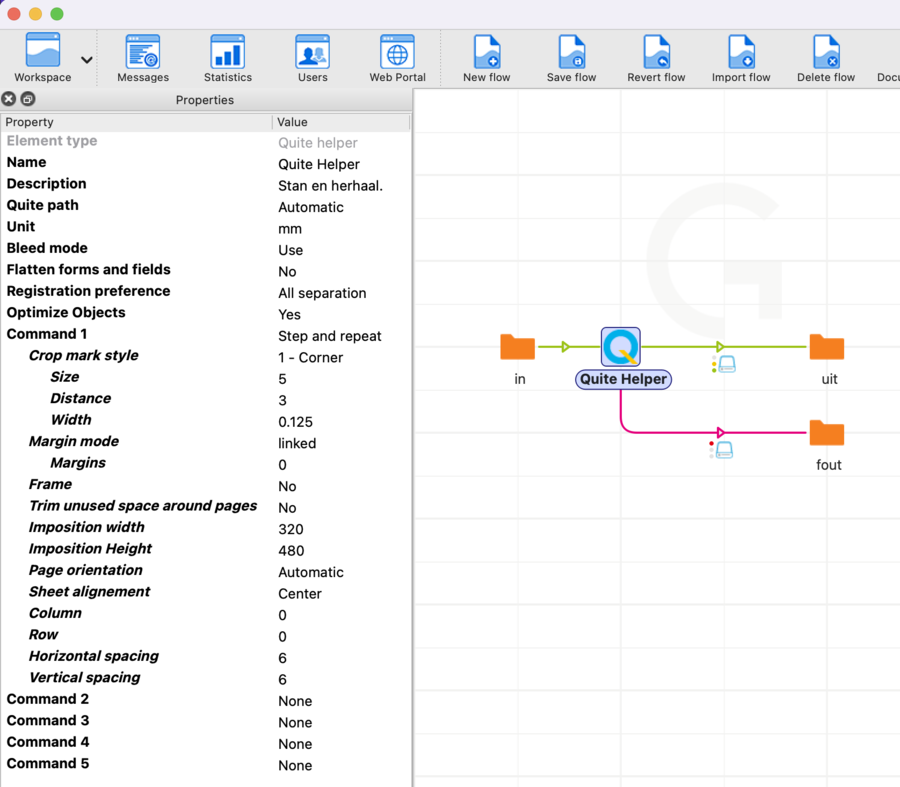
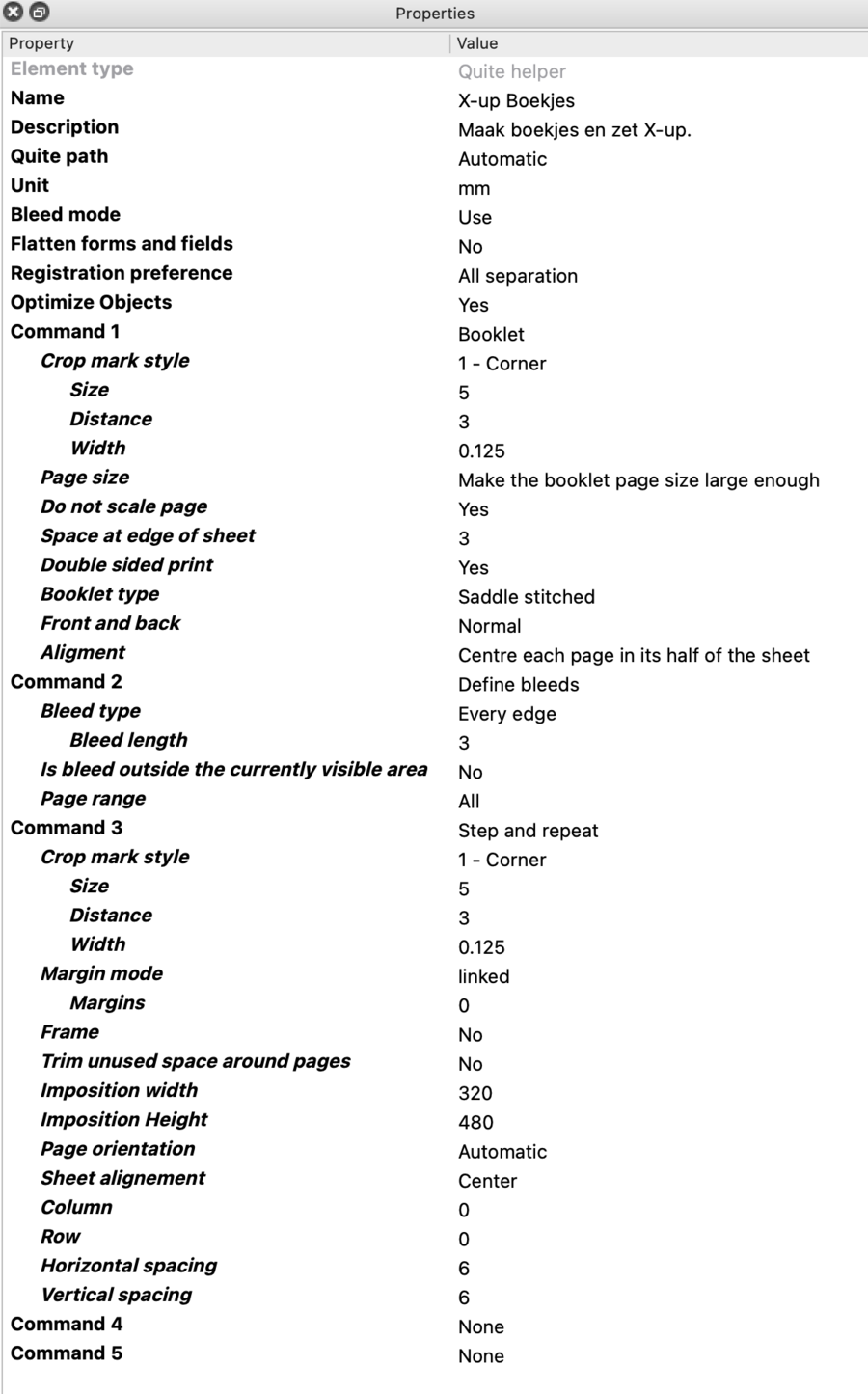
Give it a try — your workflow now needs just a single action point.
God Mode 'On'
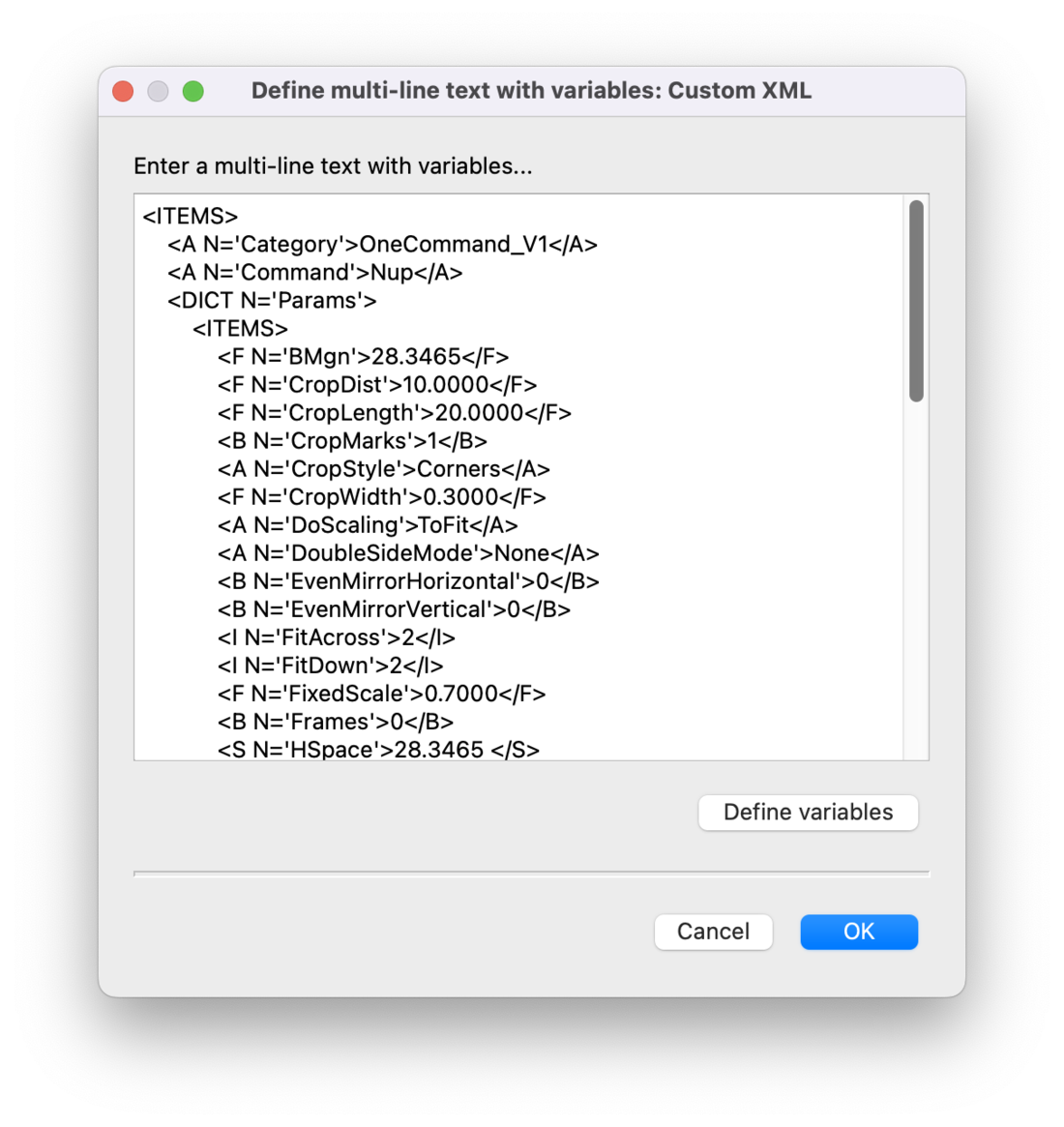
Want even more? With the 'Custom' option you develop super-complex sequences in XML, complete with dynamic variables from your job's metadata.
More