Within our field of expertise we often come across interesting stories. A lot is happening in this industry: technology evolves rapidly and new machines and materials are constantly being introduced.
A striking story
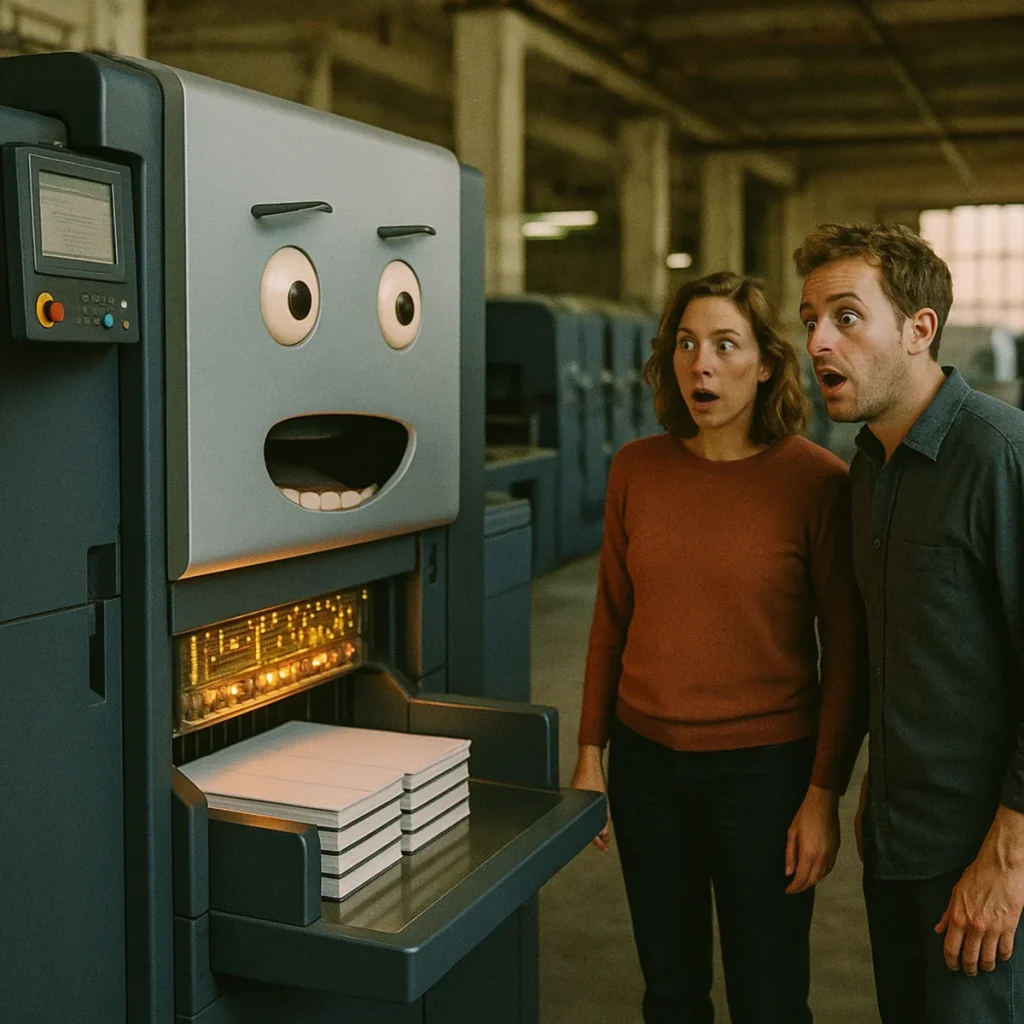
Recently one of our clients purchased a new finishing machine that can significantly increase production and speed up existing processes. A great investment! After installation, however, setting it up turned out to be more time-consuming than expected. Long production runs went smoothly, but jobs with short runs were a challenge.
After some phone and email contact, a screenshot of a Chinese manual was found, with a few examples of strange black blocks and barcodes. After much trial and error, it finally worked to use a specific type of PDF document to set up the finishing machine automatically.
After a few months no one looked at it anymore; the registration marks and data matrix codes were applied by hand by the designers. The machine is expensive, but so are the implementation, logistics and all the related aspects. The software and development side is often not properly budgeted. That is a shame.
Automate 100%?
Automating everything is a challenge, but the 80/20 or 70/30 rule is often applicable. But how do you plan something like that? Here is some advice — make the most of it.
Nothing is standard
Write it out! Start with the objective: why do you want this machine, what do you want to achieve with it and what do you expect to gain? Although we are all in similar processes in this graphic market, every workflow differs just a little. Nothing is standard. Really.
The research
Look at machines, walk through showrooms, factories and trade fairs in search of the right solution. The most important tip of the day: ask for the manual for the digital control of the machine. So not the control panel, the installation or maintenance manual. Find out how it works and what you can do with it. Never be fobbed off with "Oh, it supports JDF" or "It has an API".
Some background: JDF is a notation form of data. JDF for controlling a printer, creating an imposition or for a cutting machine is certainly not the same. An API is not standard either; it is an interface for programmers, and the variants are numerous — from C# to REST, from SOAP to OpenGraph. Keep in mind that a programmer does not know every development language.
The continuation
Investigate whether there is standard software that — with some configuration — can talk to one or more of the machines you have your eye on. Found a match? Great! In many cases you get close, but it gets stuck on some detail. And those details are exactly the "pain in the …".
In any case you need software that can create impositions. If the sections are relatively simple, something can be devised. With mixed sections and different folding schemes it gets harder, especially when the software does not tell you how and where it placed something. So find the right software that can place registration data exactly where you want it.
Sit down with an automation specialist and build a proof of concept that works. If the result is still not satisfactory, bring in a developer who "gets" PDF — not an RGB-minded developer, but someone who knows what CMYK and separations mean.
The extras
We notice that knowledge is leaving while more knowledge is exactly what is needed. In our field you need knowledge before you bring something in, especially when the hardware costs serious money. Budget a percentage for technical research before the purchase. That delivers a better return, certainly in the long run.