Saving ink is nothing strange in the graphic arts: think lower costs, less environmental impact and waste, shorter drying times and smoother finishing. How do you tap into that with software you often already own?
Practice is very colourful
In an ideal world, clients deliver PDFs with colour-managed images and a proper output intent. Sadly that is not reality — especially with files from Canva, MS-Word or worse. Suppose the PDF has an 'ISOcoated_v2' output intent: it allows a maximum ink coverage of 330% (the sum of C+M+Y+K). But what if an object consists of 400% ink?
Do you have DeviceLinks?
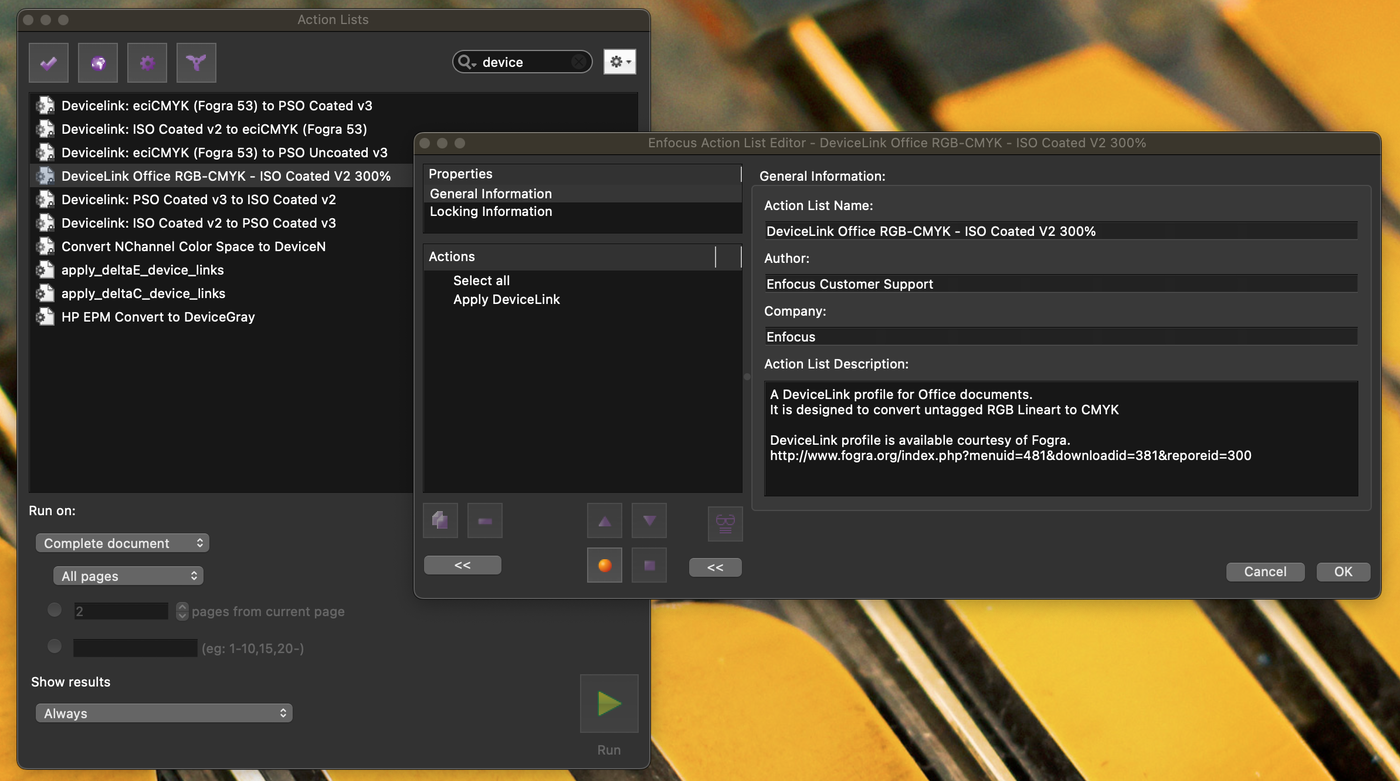
A DeviceLink is a colour profile that converts colours to other values without extra ICC profiles and without a LAB intermediate step (CMYK → LAB → CMYK). This way 'ISO coated' can be recalculated via a DeviceLink to 'ISO coated v2 300', with a maximum ink coverage of 300%. That is already possible with PitStop Pro: it contains around 40 DeviceLink profiles for CMYK-to-CMYK conversion. But there is more…
Optimising colours
Some applications perform CMYK-to-CMYK conversions with ink reduction. A well-known one is ColorLogic ZePrA. In this example ZePrA creates a dynamic DeviceLink to convert the tints to 'ISOcoated_v2_300' with the smallest possible deviation (∆E).
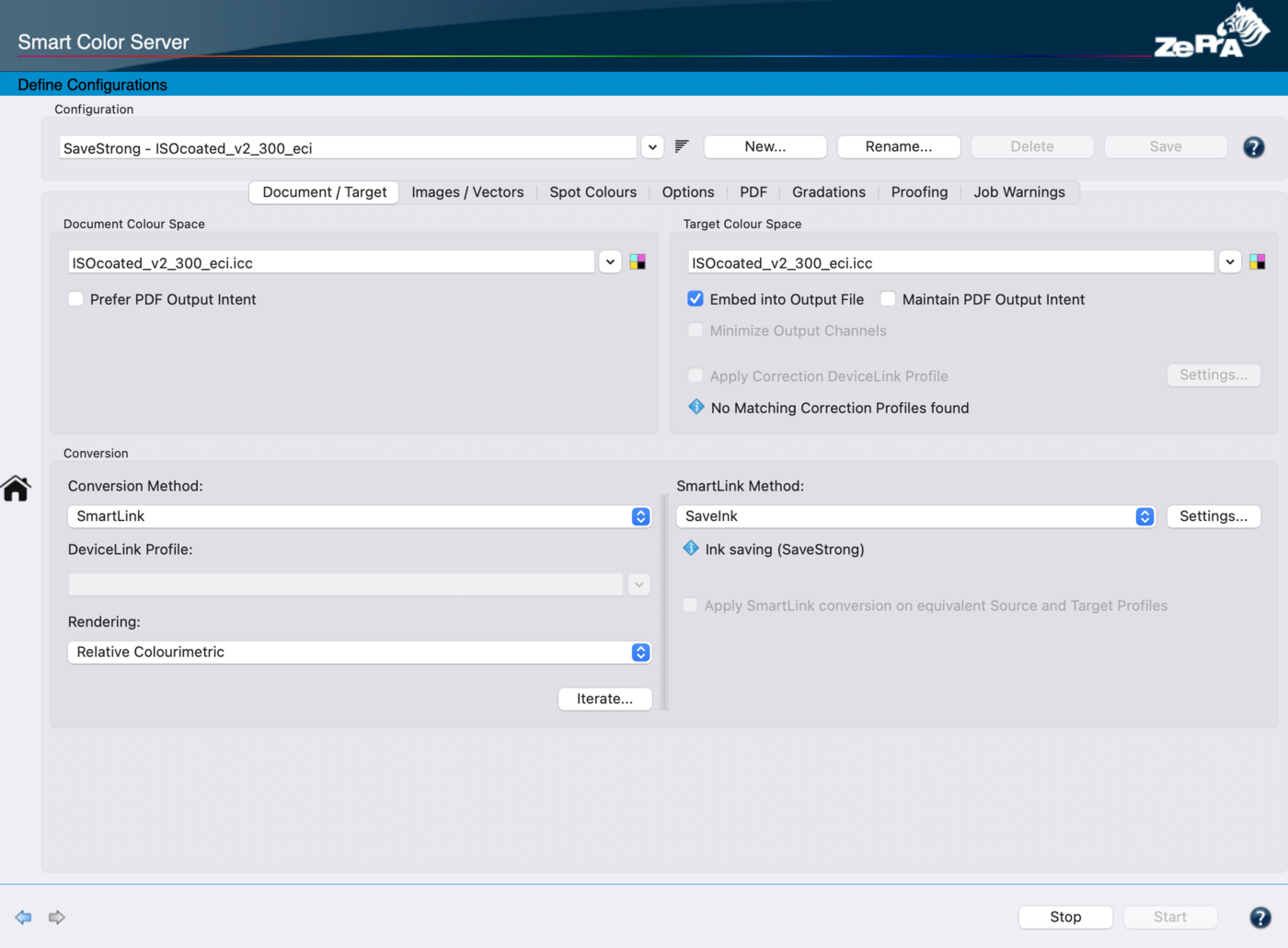
The result: nearly the same colours, but 8.5% ink saved — Cyan 13%, Magenta 14% and Yellow 13% less, while Black is used 4% more. Can you spot where?
Why not in Acrobat or InDesign?
In Adobe Acrobat, CMYK-to-CMYK conversions are not possible; that only works with DeviceLinks. PitStop Pro and callas pdfToolbox ship a number of DeviceLinks to reduce the TAC (Total Area Coverage), but that does not help in every situation. ZePrA dynamically calculates which alternative combinations achieve roughly the same colour with less ink, using smart algorithms, LAB values and DeltaE deviation.
InDesign does not convert just like that either: load a CMYK image with, say, 'U.S. Web Coated (SWOP) v2' and export to PDF with an 'ISO coated v2' profile, and InDesign performs no colour conversion. Only RGB↔CMYK triggers one. So to reliably convert CMYK content to CMYK with lower ink coverage, a DeviceLink is your best bet.
What's the catch?
ColorServers are often not cheap, but the gain is easy to calculate. A client who spent 300K on ink per year (on a UV press) saved 7% at the safest setting and 14% at a slightly more tolerant setting with good results — almost 26K to 30K profit per year. This formula applies to anything that prints and uses ink: large format and inkjet too, web or sheetfed.