Unwanted rich black: the cause often lies in ICC-based colours in a PDF. An ICC profile sounds professional, but in print-ready workflows it can actually cause unexpected problems. The GWG_SheetSpot_2022 CMYK Certified PDF standard rejects such colours. We explain why — and how to fix them correctly.
What are ICC-based colours?
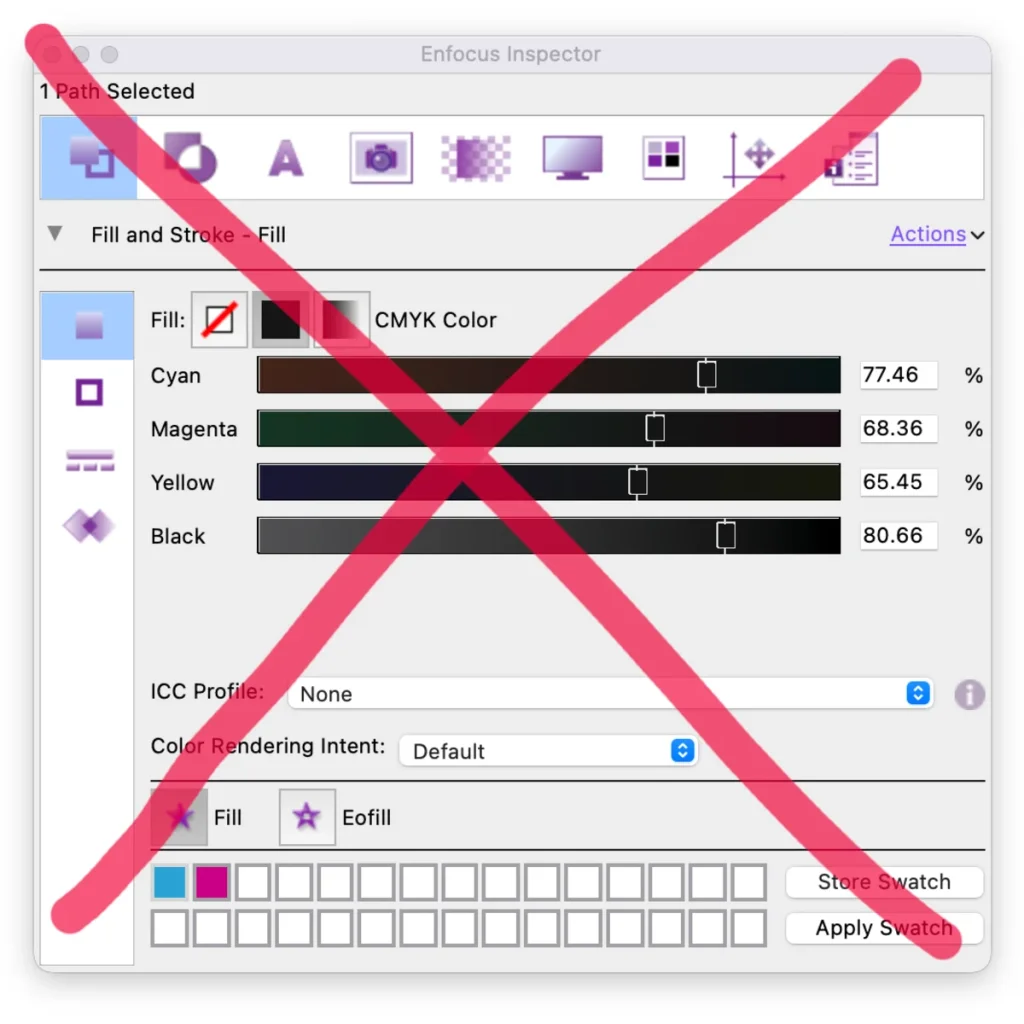
An 'ICC-based' colour is a colour value supplied together with an embedded ICC profile. That profile describes how the colour looks on a specific device (monitor, printer, scanner). In theory this ensures consistent rendering — from screen to print. In practice it means individual objects in the PDF are tagged with such a profile: they rely on the ICC profile for interpretation, not on fixed CMYK values. And that's where it can go wrong.
Take it or leave it?
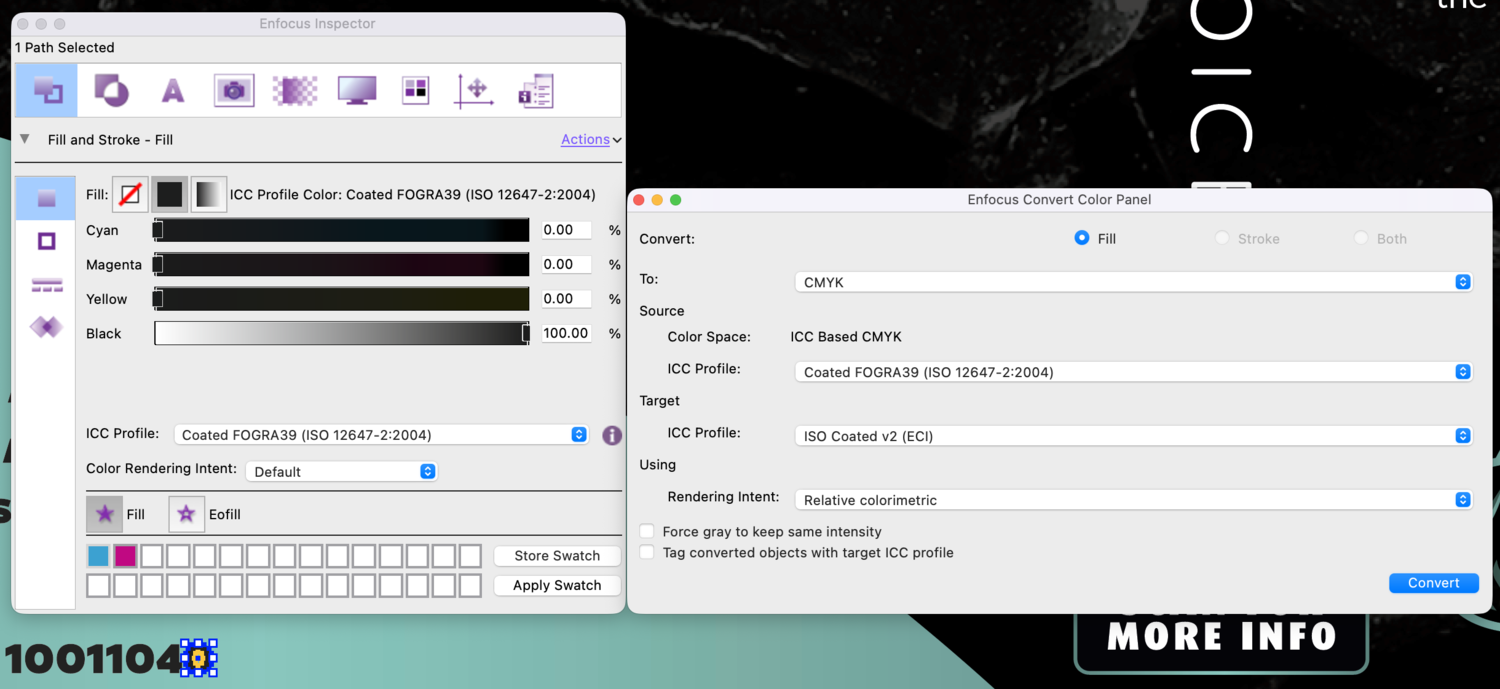
Many PDF standards are designed for fixed, predictable CMYK values. ICC-based colours don't fit, because they depend on profile interpretation rather than direct ink colours. Converting to CMYK gives undesirable results — rich black is no stranger. A deliberately set 100% K for text and areas should actually come back as 100% K.
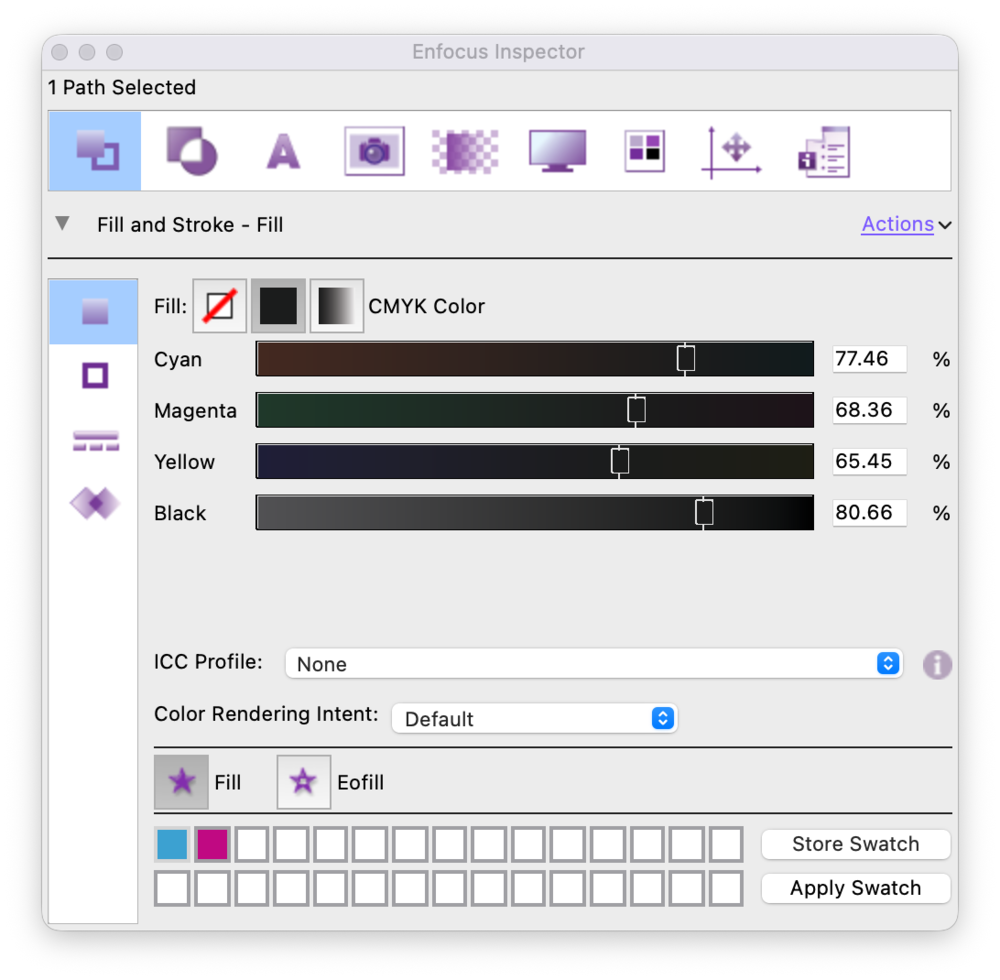
Beware! Simply removing an ICC gives a wrong result in specifically configured workflows — for example wide-gamut photos (the RGB then has no reference) or PDF/X-4 workflows where colour management happens right at the end.
Remove ICC tags
The right approach is not a direct profile conversion, but removing the ICC tag first. PitStop offers the Action List 'Remove ICC Tag' for this. It removes the ICC profile from the colour space definition, after which the underlying colour values remain intact as ordinary device colour. Apply it to:
Fills;
Strokes;
Blending Color Spaces.
Alternatively: before this action, convert all RGB images with an ICC profile to, say, ISOcoated_v2.icc, then remove the remaining ICC tags.
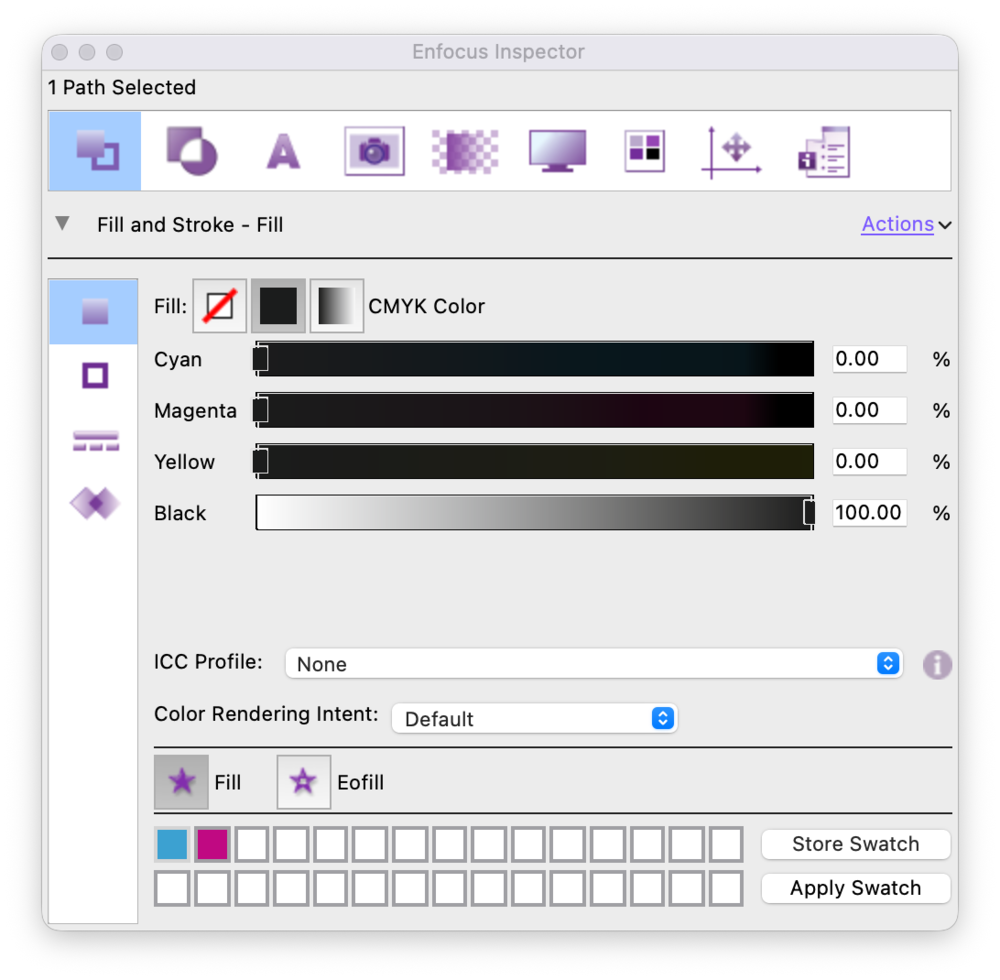
And what is a Blending Color Space?
A Blending Color Space is the colour space in which transparency effects and overprints are calculated — think layers, shadows and multiply effects. That space can also contain an ICC profile. If so, transparency calculations are performed device-independently, which can again cause colour shifts during flattening or conversion. By removing the ICC tag here too, all operations take place in one unambiguous, device-bound colour space.
Conclusion
ICC-based colours are useful in a monitor environment, but do not belong in a CMYK print workflow unless truly designed for it. With the PitStop Action List 'Remove ICC Tag' before all other colour conversions, you remove them without disturbing the colour values. This preserves pure 100% K and delivers a reliable, print-ready PDF.