Lately there has been growing unrest around Pantone colours in Adobe applications. Many libraries have been removed, which also increases errors. Fortunately you can correct this automatically with Enfocus PitStop Pro.
What is a Pantone colour in a PDF document?
A Pantone colour is a specific colour from the Pantone colour system, each with a unique number. For PDF files, however, those libraries are meaningless: a separation (ink) in a PDF is merely a name with an alternative tint to represent the colour. There is no direct link to a colour library.
What are common problems?
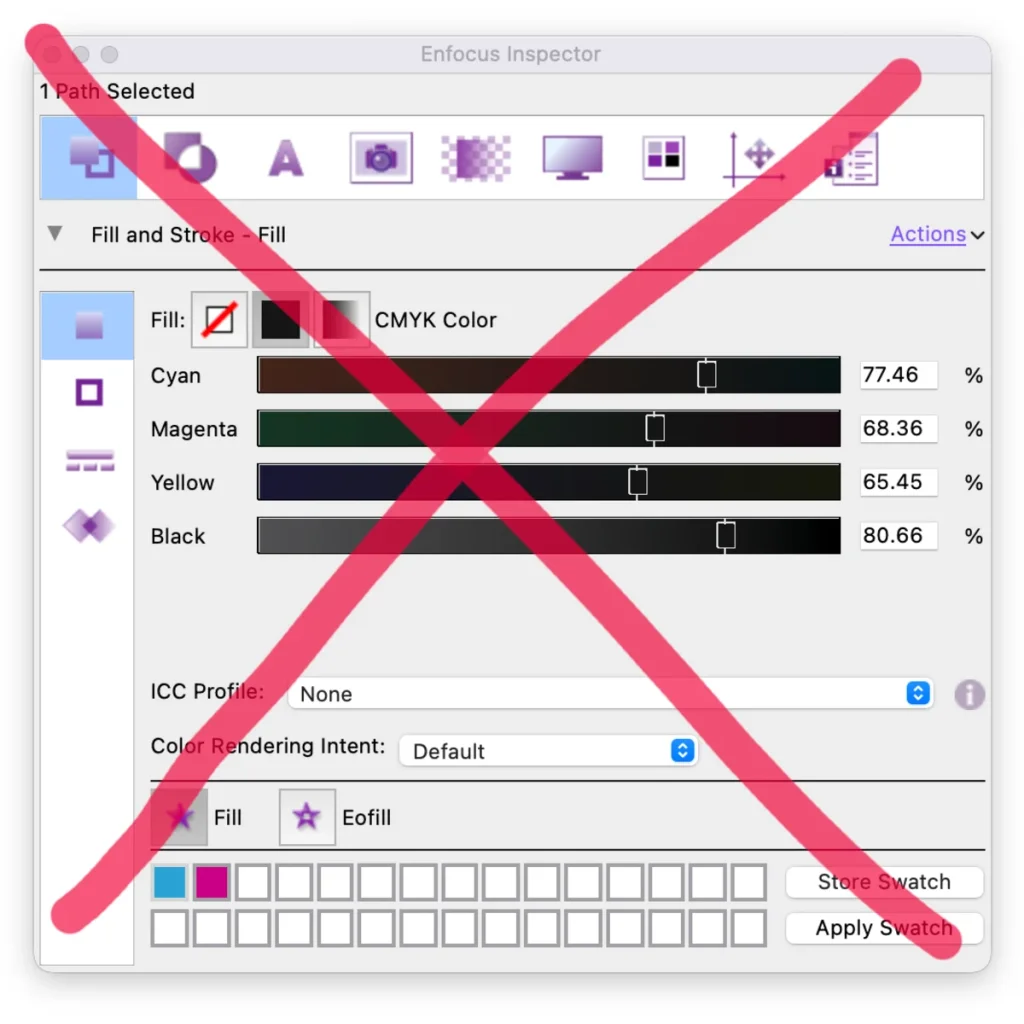
When a designer needs a one-off ink that is not available, it is often created manually as a swatch in, say, InDesign. If the colour is not named correctly or the alternative value is entered incorrectly, it can be misinterpreted — resulting in printing errors and colour deviation.
Correcting Pantone colours with PitStop Pro
Enfocus PitStop Pro (the Acrobat plug-in) and PitStop Server do have these libraries. That makes editing Pantone in Acrobat possible. With smart actions you correct colours automatically or get alerted to incorrect values and names.
Step 1: Open a PDF
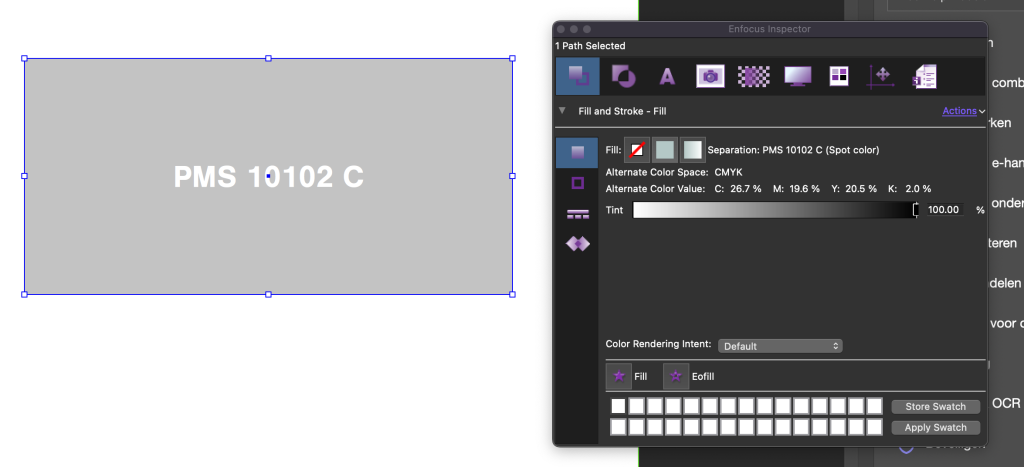
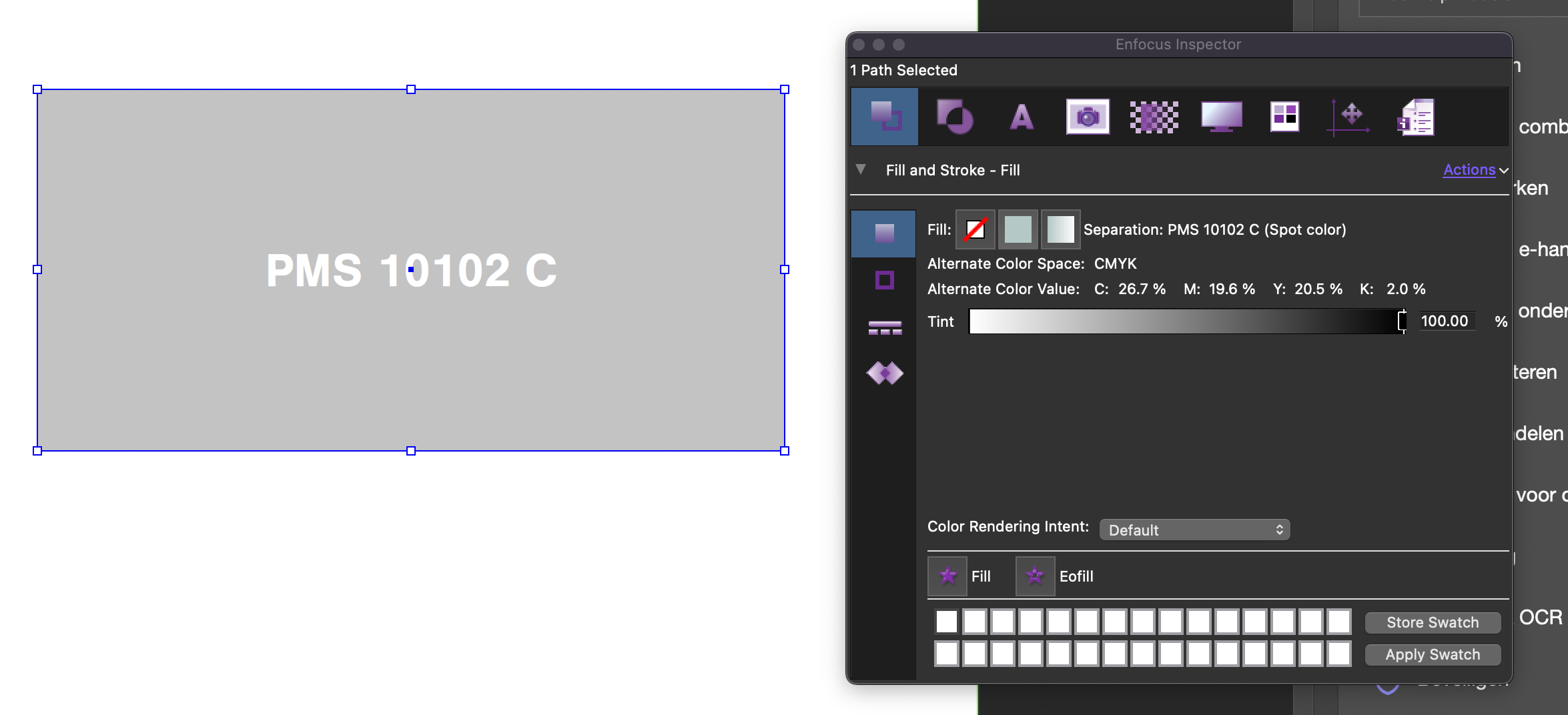
In Acrobat Pro, open a PDF with Pantone colours, like in the example. Here you can see it says "PMS 10102 C".
Step 2: Create a PitStop Action
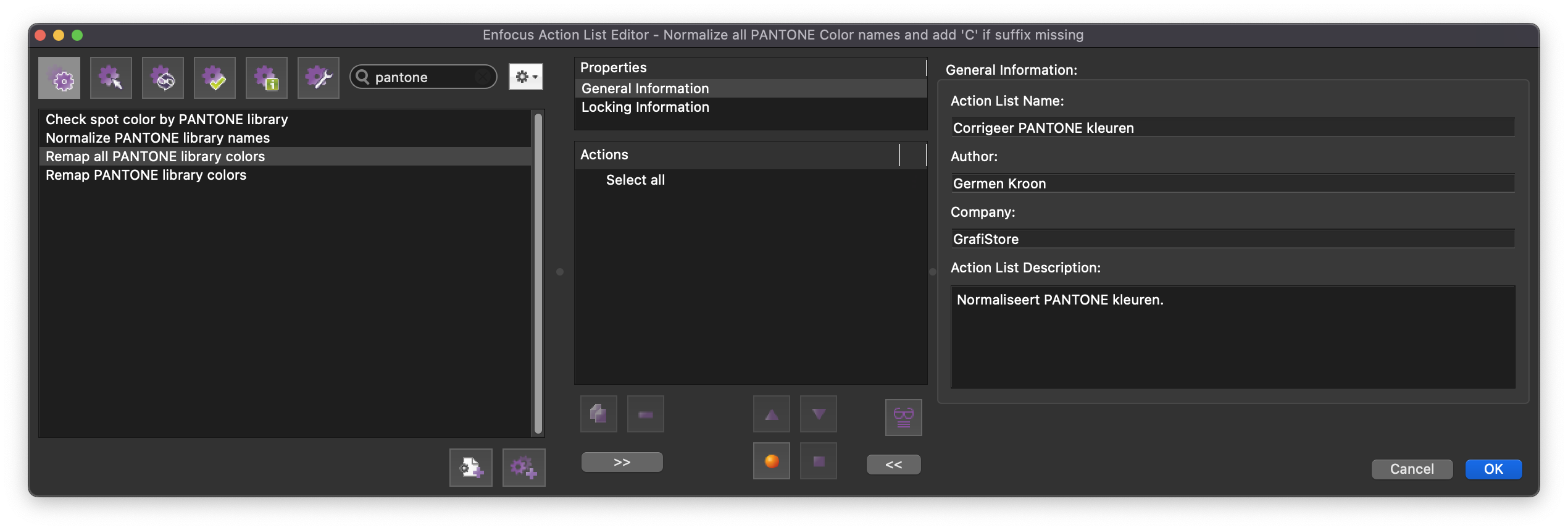
We create a PitStop Pro action named "Correct PANTONE colours".
Step 3: Add a normalisation step
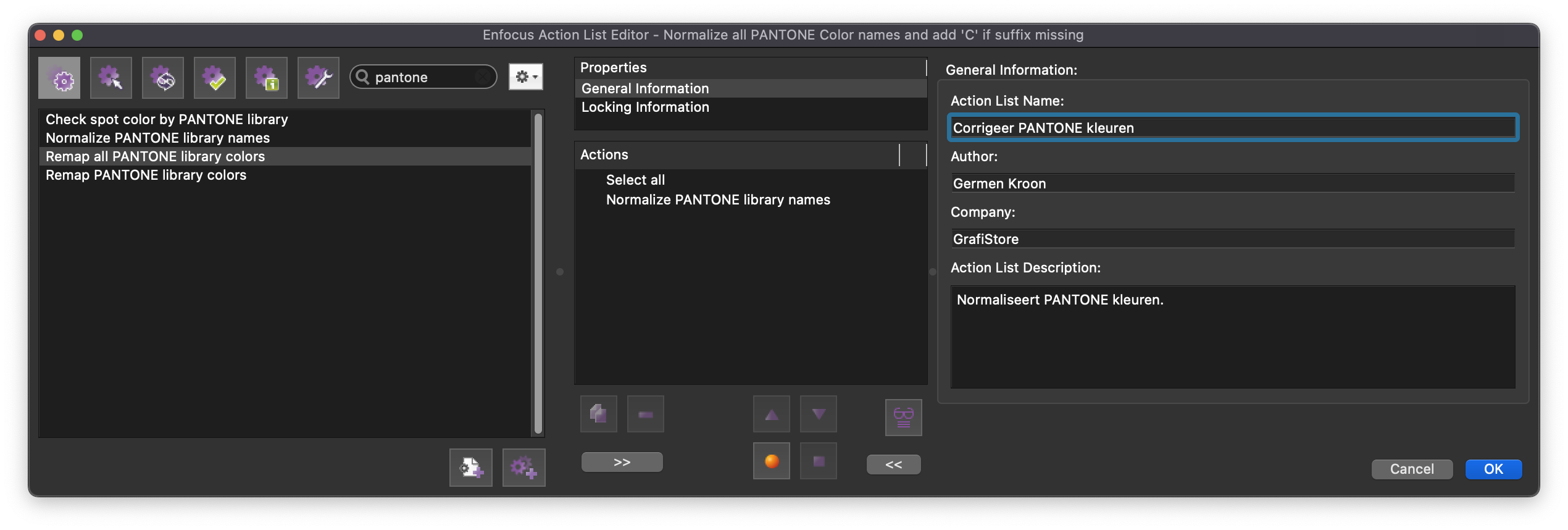
Add the step "Normalize PANTONE library names". This restores the Pantone colour names to how they should be written:
Replace "PMS" with "PANTONE";
Fix inconsistent use of capitals;
Add "C" when it is missing;
A few spacing corrections.
Step 4: Remap to the correct colour
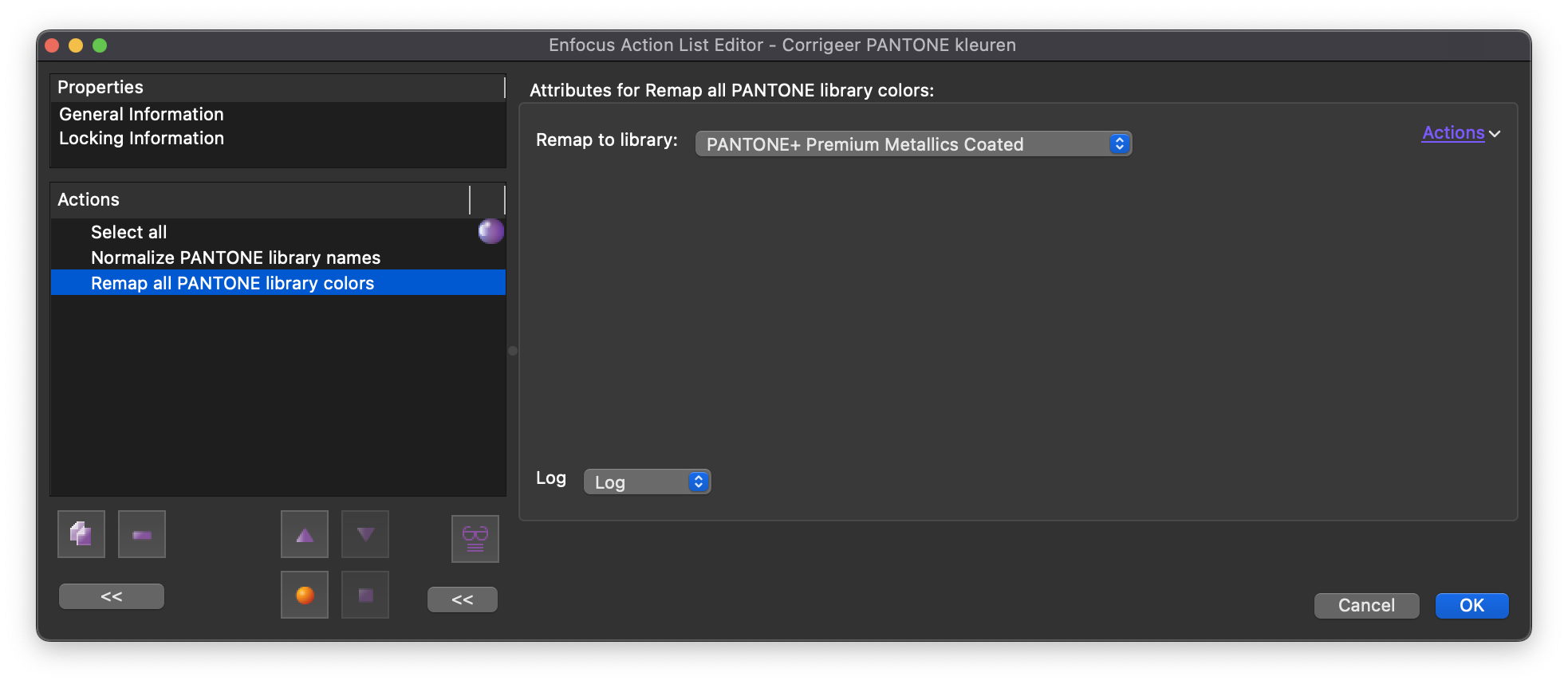
Add the step that "links" the colour in the document to the correct swatch — here the "PANTONE+ Premium Metallics Coated" library. We match the names with the correct colour swatches.
Step 5: Run the action
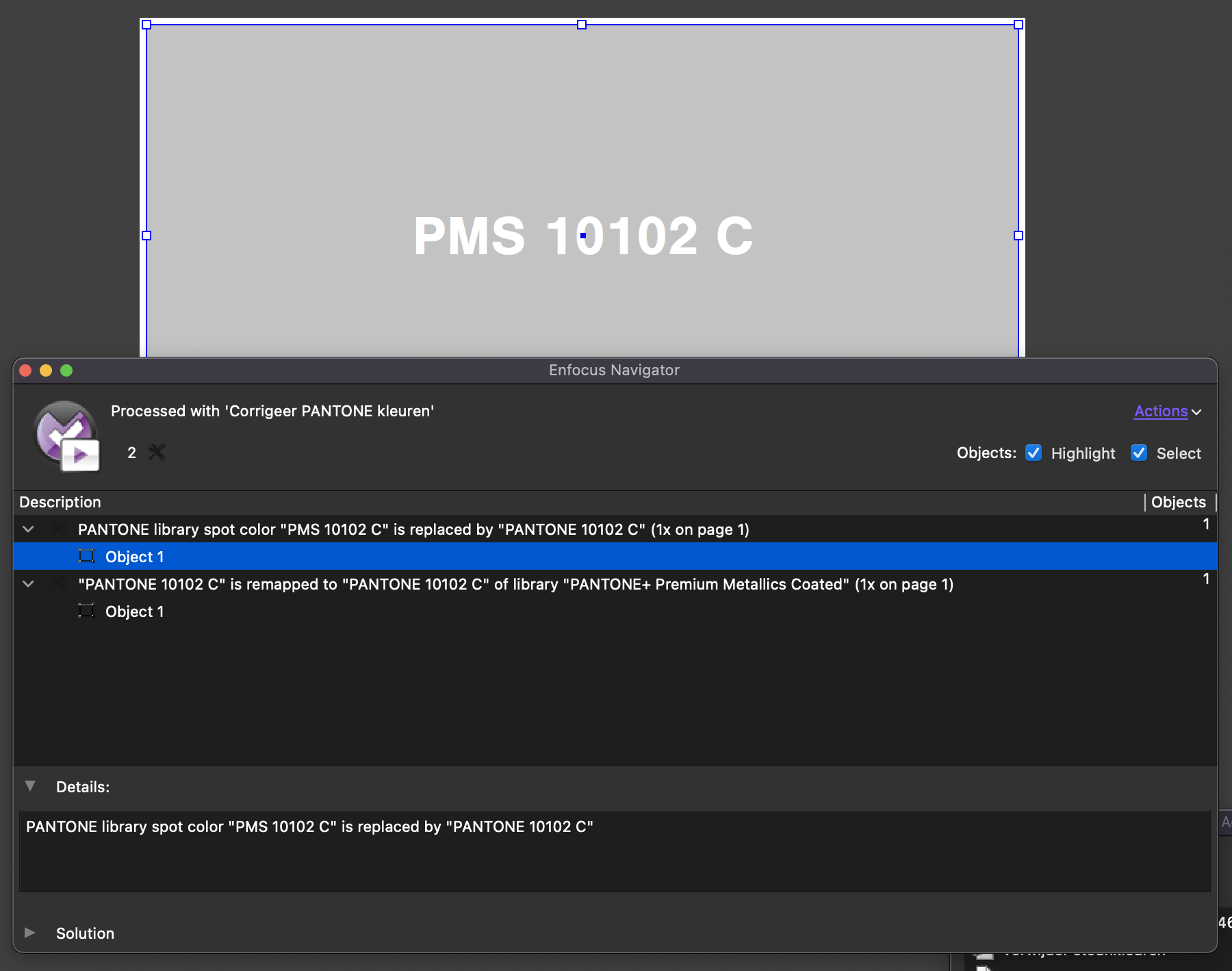
Running the action on the document, you see "PMS" corrected to "PANTONE" and the colour values mapped to the correct swatch with the correct alternative colour. The Pantone colour is corrected instantly.
Step 6: Homework
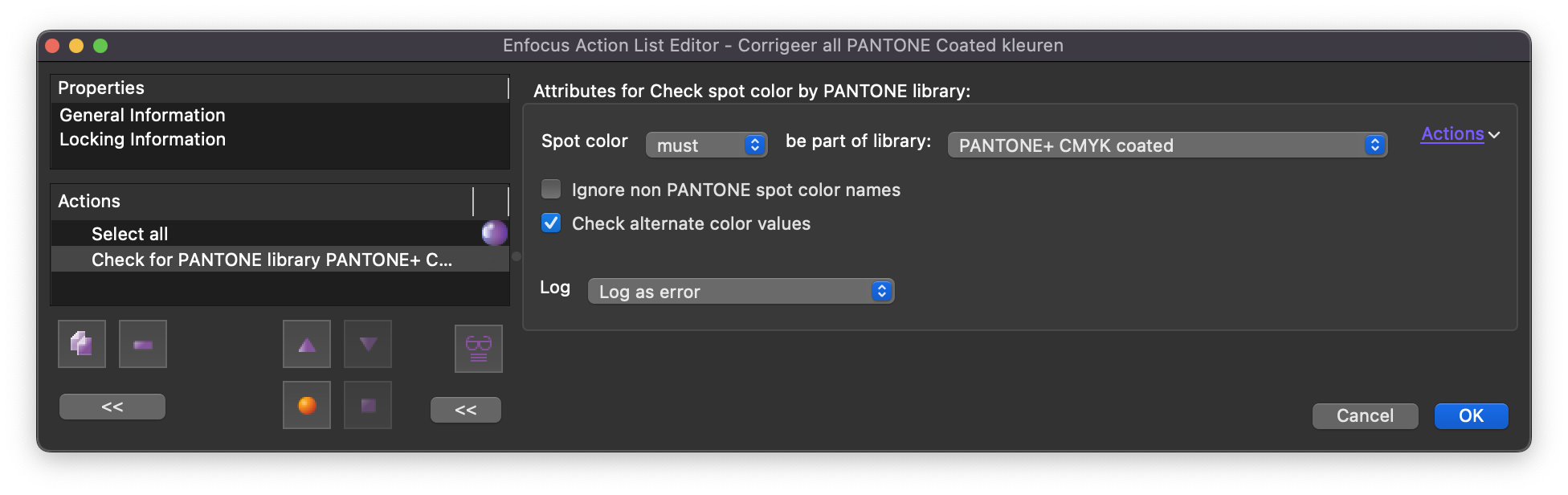
There are also actions that check whether all spot colours are part of a library and whether the alternative colour values are correct; manual assignment is possible too. Dive in!