In print, sustainability is not only about paper and ink, but also about data. Many an IT person says 'storage is free, size doesn't matter' — until the storage medium fills up after a year, the printer can't handle the data, or the cloud invoice arrives. Large files cause lack of space, RIP problems, more energy and data costs.
PitStop Action List: Minimize File Size 4.0
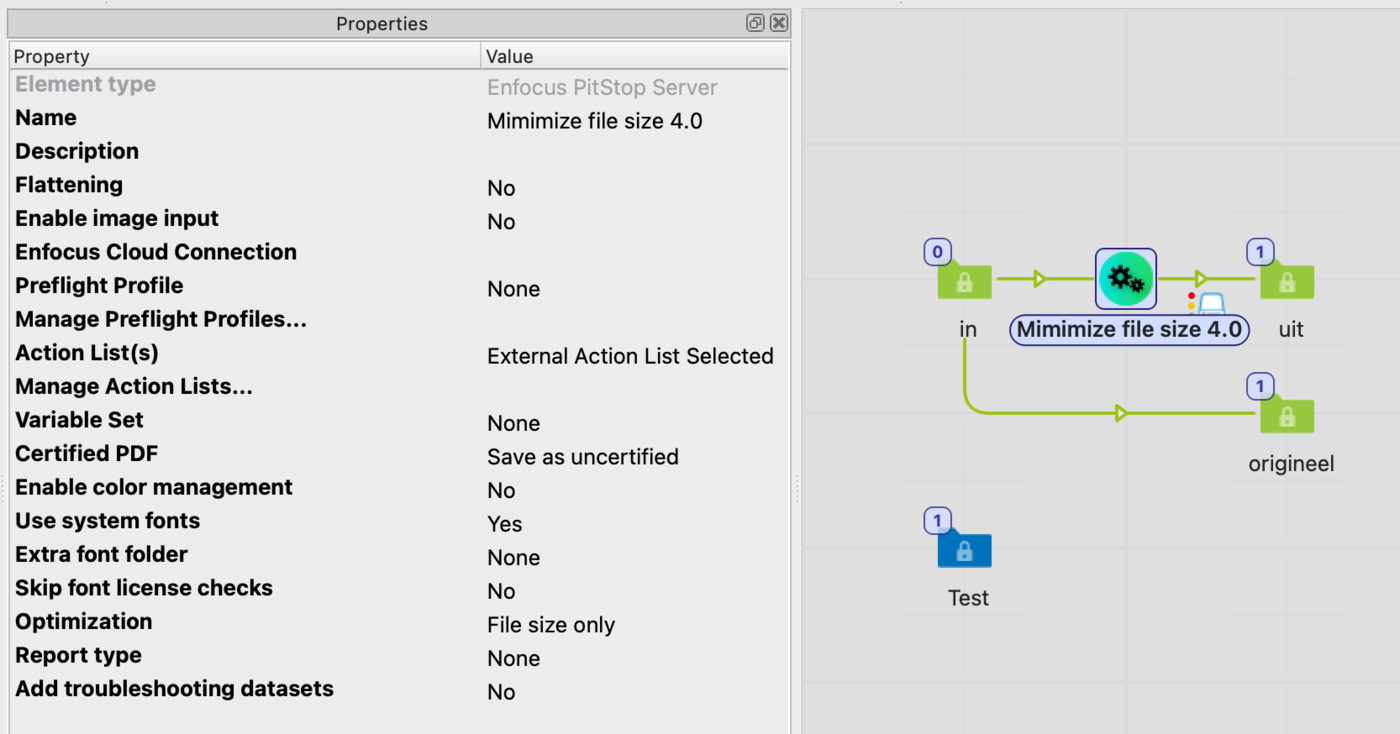
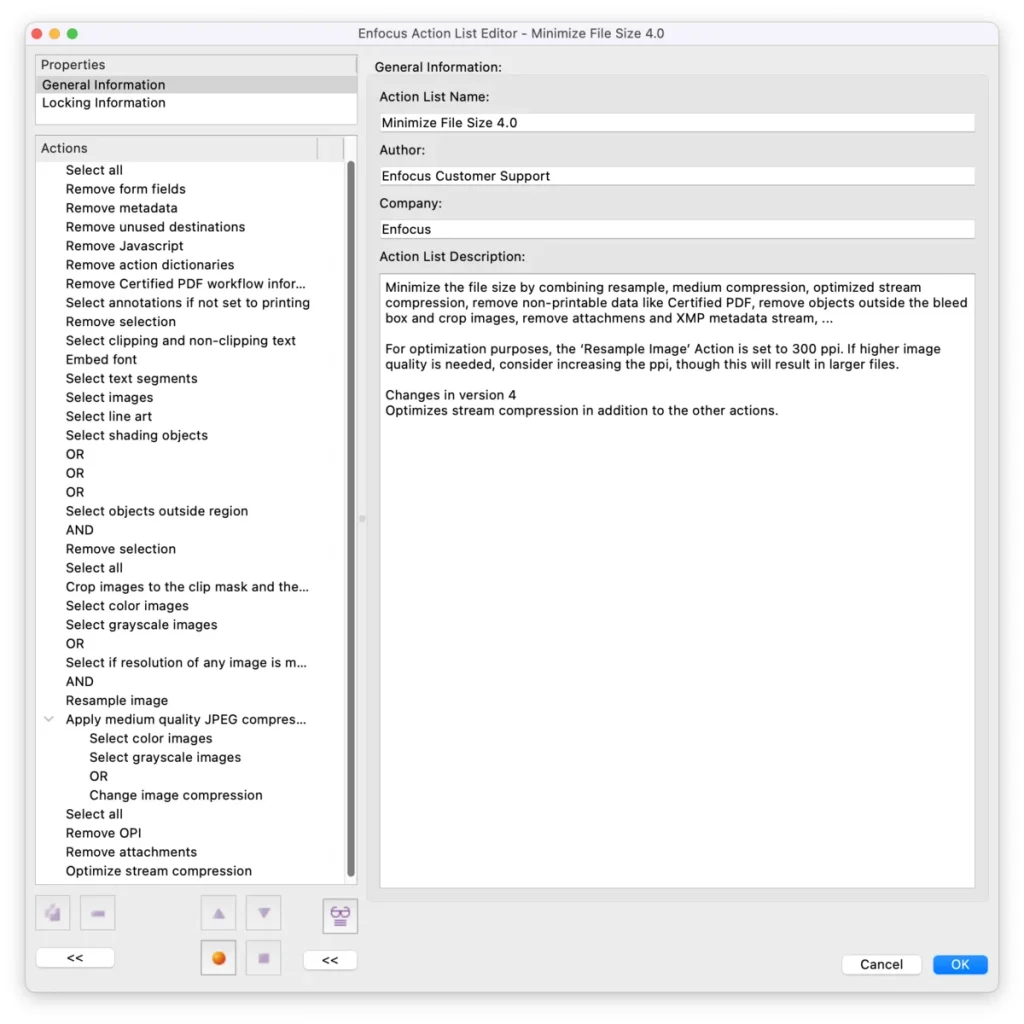
Enfocus PitStop helps with the new Action List 'Minimize File Size 4.0', recently shipped as standard (from PitStop 25.07). On some production files we achieved more than 88% savings — for example from 109 to 13 MB.
What does Minimize File Size 4.0 do?
This action combines a whole series of optimisations at once:
Resample images to 300 ppi (default);
Medium JPEG compression on all images;
Stream compression optimisation (new in version 4);
Remove non-printable data: Certified PDF information, form fields, metadata, JavaScript and unused links;
Remove annotations not intended for print;
Clean up images and crop them to clipping masks and the bleed;
Remove unused objects, objects outside the bleed and hidden data;
Remove attachments and XMP metadata.
In short: all the ballast your PDF doesn't need to print correctly is removed. One part I'd like to highlight: stream compression.
Stream Compression
A stream is a function in PDF hidden from the regular user. A PDF consists of objects — text, vectors, images, fonts, metadata — many of which are stored in a stream: a kind of 'data packet' containing the content. To limit file size, those streams can be compressed.
What does Optimize Stream Compression do?
The new 'Optimize stream compression' systematically goes through all object streams and:
Checks whether the chosen compression method is the most efficient;
Re-applies compression where useful with more modern or better settings;
Removes redundant data in those streams.
Why does this pay off?
Old or poorly made PDFs (from applications we'd rather not name…) often use inefficient or no compression;
Recompressing streams noticeably lowers the file size, often without visible quality loss;
It complements resampling: even without changing the resolution you can save bytes.
A concrete example
A 100 MB PDF with many unprocessed TIFF images easily drops to 20–30 MB after resample + stream compression;
Even without resampling, stream compression can save a few to tens of percent.
Stream compression is invisible to the user but very tangible in efficiency — a nice addition to visible actions like resampling and removing unused metadata.
Final word
A PitStop Server hotfolder is set up in no time — give it a try. The default resolution is 300 ppi (fine for most uses), but for quality print you can raise it (e.g. 450 ppi) and for online/large format often lower it (150 ppi), saving even more space.