Print 24 Jan 2024
Optimise your print workflow: ISO 19593-1:2018 and PitStop Pro in action
Discover how the ISO 19593-1:2018 standard in PitStop Pro optimises your print workflow by categorising spot colours and processing steps in PDFs.
Read moreStay up to date with the latest developments in automation, printing technology and digital strategy.
Discover how the ISO 19593-1:2018 standard in PitStop Pro optimises your print workflow by categorising spot colours and processing steps in PDFs.
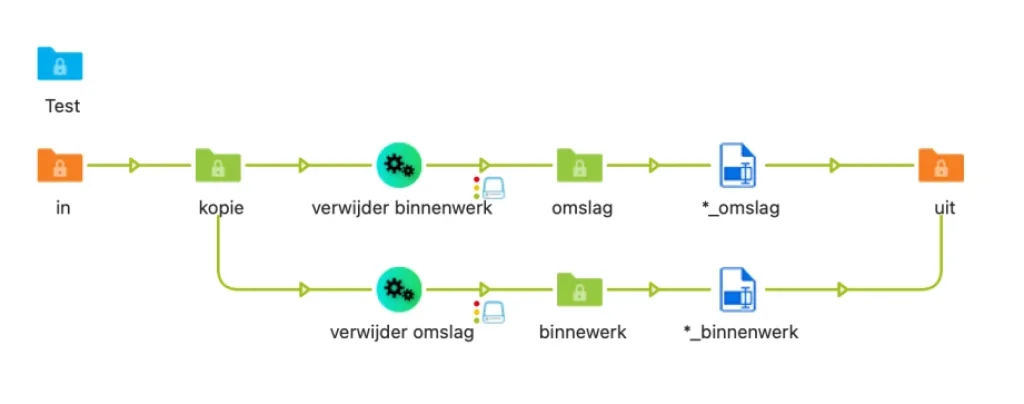
Read moreAutomatically separate cover and inner pages in PDF files with two PitStop Actions and a Switch workflow — ideal when you process dozens of files a day.
Read moreA practical guide to getting the most out of automation: common mistakes when buying machines and advice on planning, software and technical research.
Read moreLearn how JDF (Job Definition Format) works in print production and set up a JDF workflow step by step with Enfocus Switch and a Canon printer.
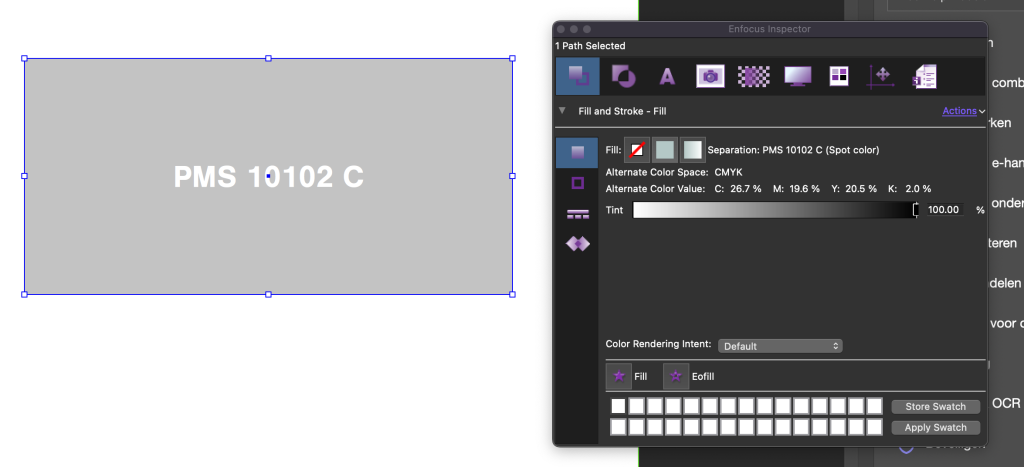
Read morePantone colours in PDFs increasingly go wrong due to removed libraries. Correct them automatically with smart PitStop Pro actions.
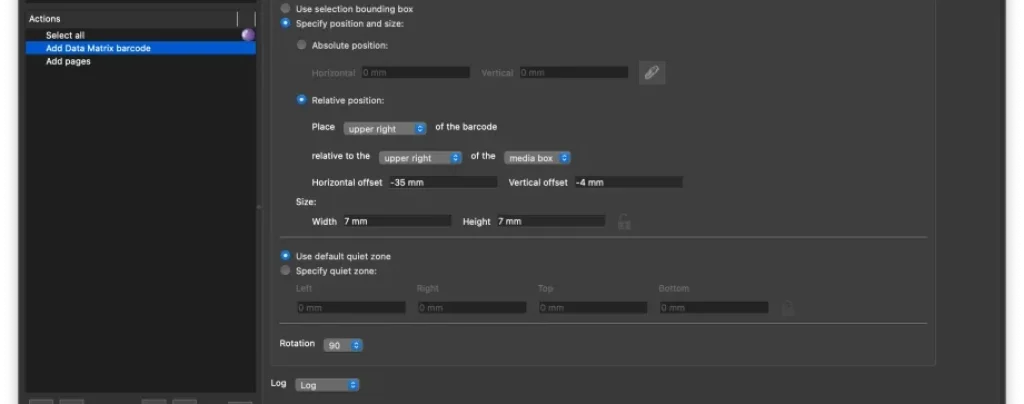
Read moreTutorial: automate impositions with registration marks and data matrix codes at the touch of a button — no programming knowledge required.
Read morePage 2 of 2
Get the latest tips on workflow automation straight to your inbox.
By subscribing you agree to our privacy policy.