Make a Canva PDF print-ready with PitStop — how to fix transparency problems
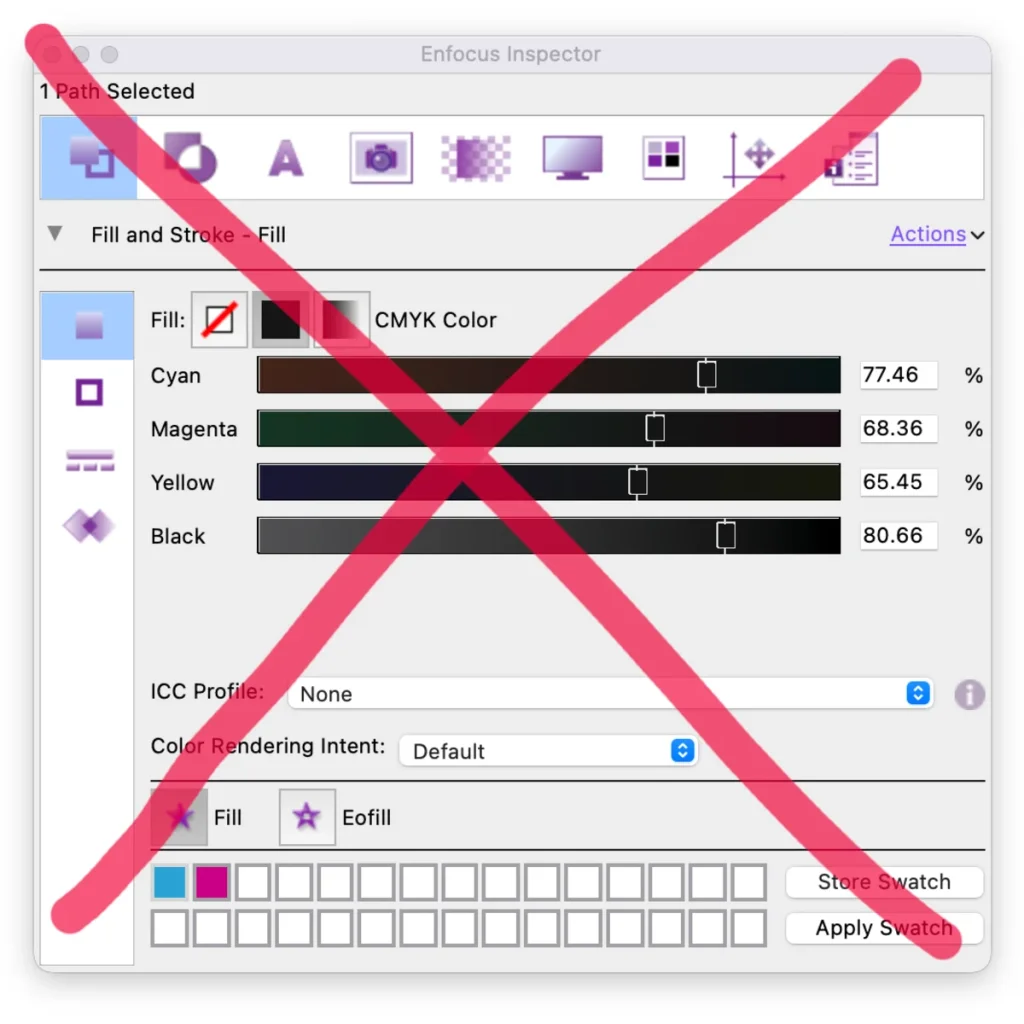
Canva PDFs are full of hidden transparency and clutter that confuse the press. Here is how to make them print-ready in one go with Enfocus PitStop.
Read moreStay up to date with the latest developments in automation, printing technology and digital strategy.

Canva PDFs are full of hidden transparency and clutter that confuse the press. Here is how to make them print-ready in one go with Enfocus PitStop.
Read moreBlack that suddenly consists of C+M+Y+K? The culprit is often an ICC tag. Remove it with PitStop before any colour conversion and keep pure 100% K.
Read moreQuite Imposing 6 automatically rotates jobs to fit more on a sheet — a simple, affordable ganging feature, plus bleed generation and larger PDFs.
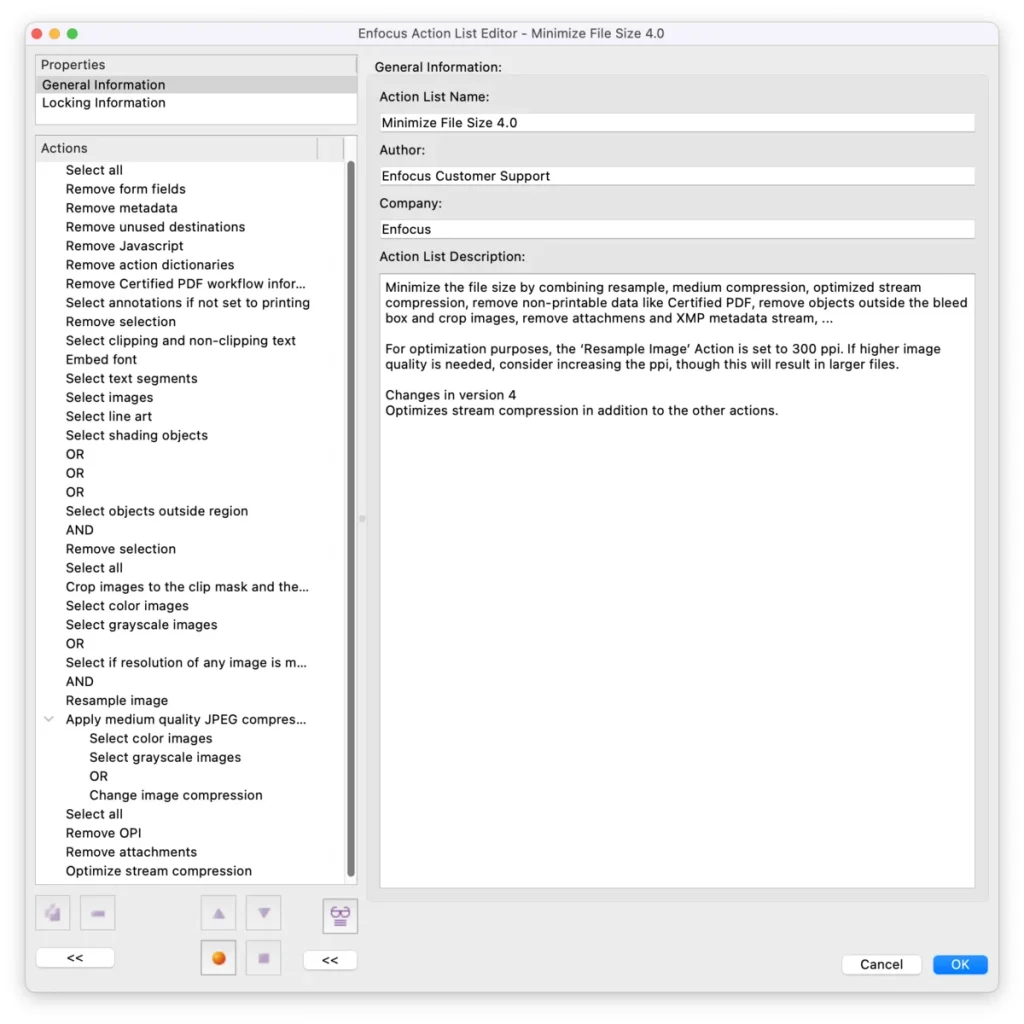
Read morePitStop's new 'Minimize File Size 4.0' shaves up to 88% off your PDFs — including the invisible gain of stream compression. More sustainable and faster for the RIP.
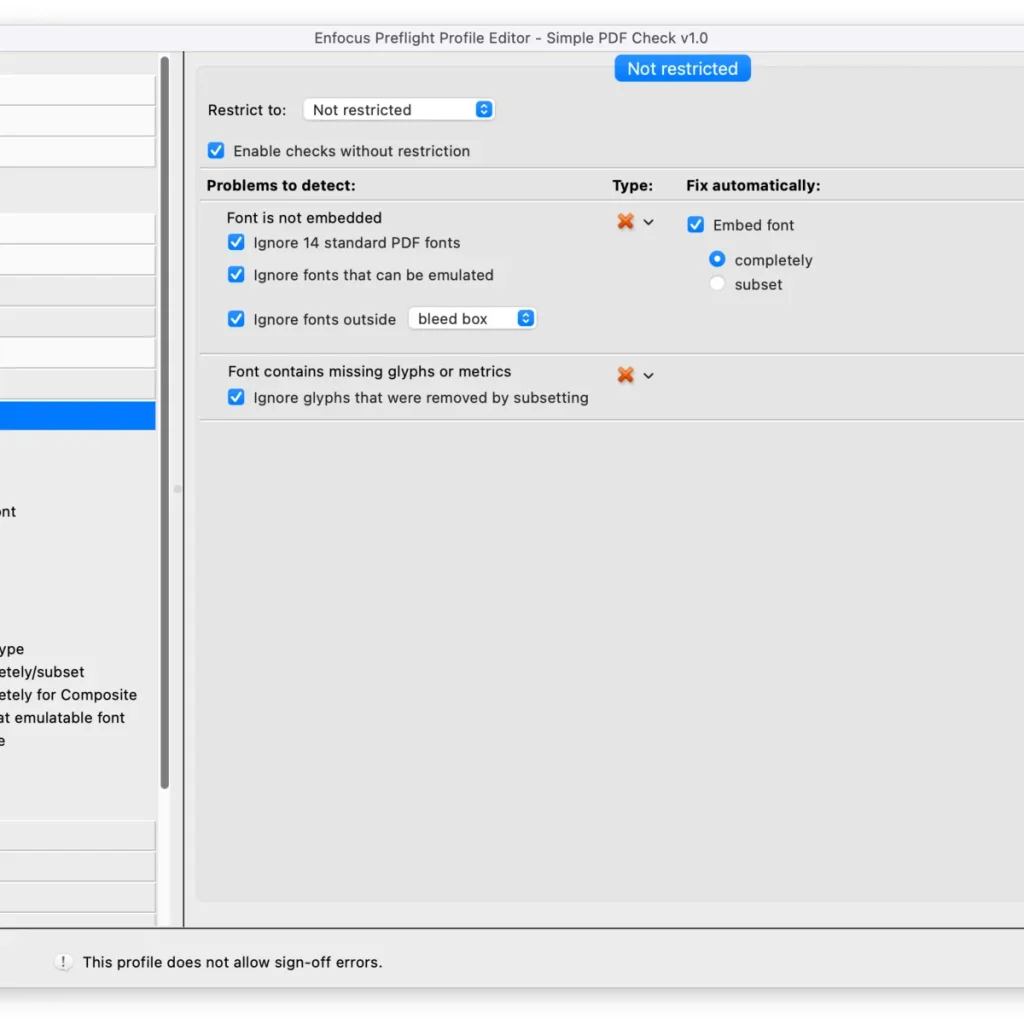
Read moreStandard profiles fix a lot — but who is responsible then? Build a simple PitStop profile that only checks printability and respects the layout.
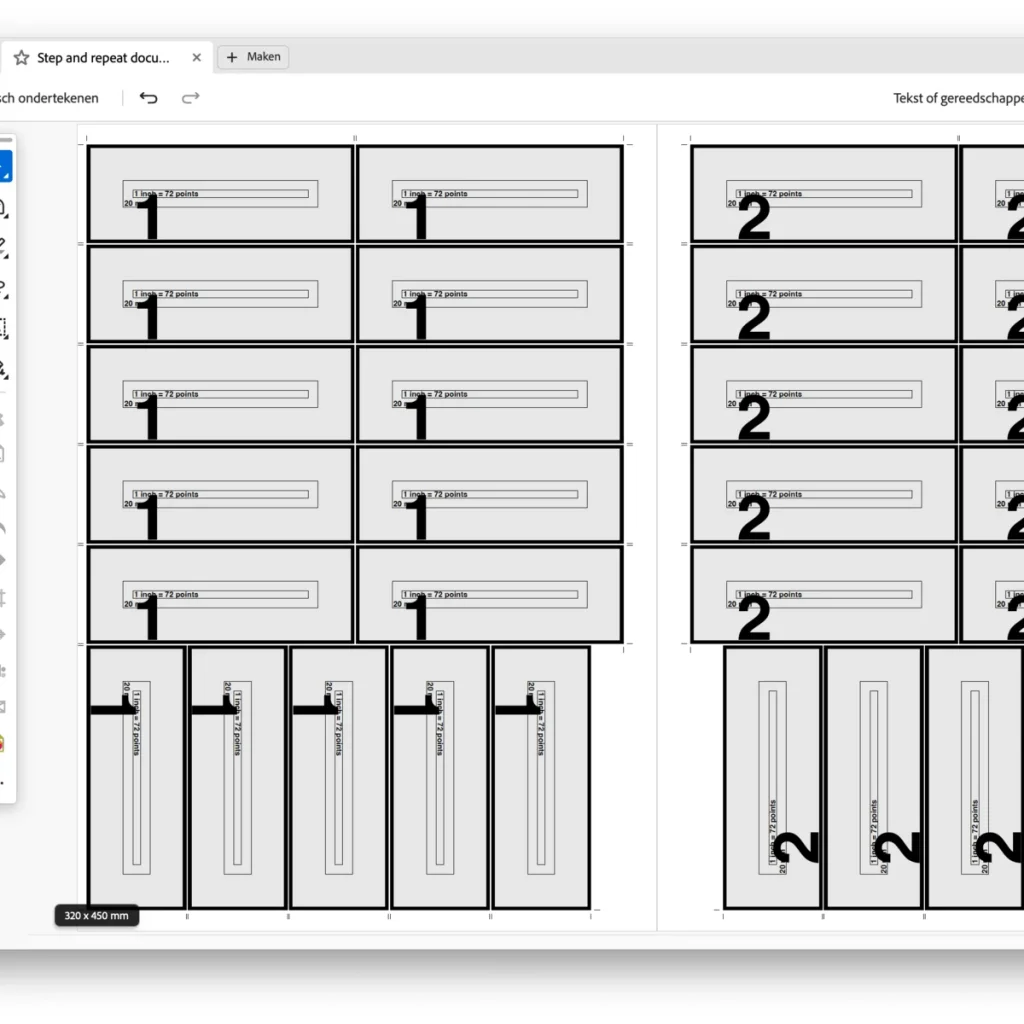
Read moreQuite Helper drives Quite Hot Imposing directly from Enfocus Switch — dynamic, without manual XML. From simple step-and-repeat to 'God Mode'.
Read moreProcess optimisation does not start with software but with analysis. With the Five Whys method and the Ghent PDF Output Suite you tackle the real cause of errors.
Read moreInnovating takes courage and thinkers, not just machines. A practical plan: map processes, find quick wins, work in short sprints and make it a cycle.
Read moreFull colour to greyscale with a predictable result: build a smart PitStop action that controls colour management and converts only selected pages.
Read moreClients often deliver PDFs without white ink. With a single PitStop Pro action you automatically add a white ink layer — ISO 19593-1 compliant.
Read morePage 1 of 2
Get the latest tips on workflow automation straight to your inbox.
By subscribing you agree to our privacy policy.