Make a Canva PDF print-ready with PitStop — how to fix transparency problems
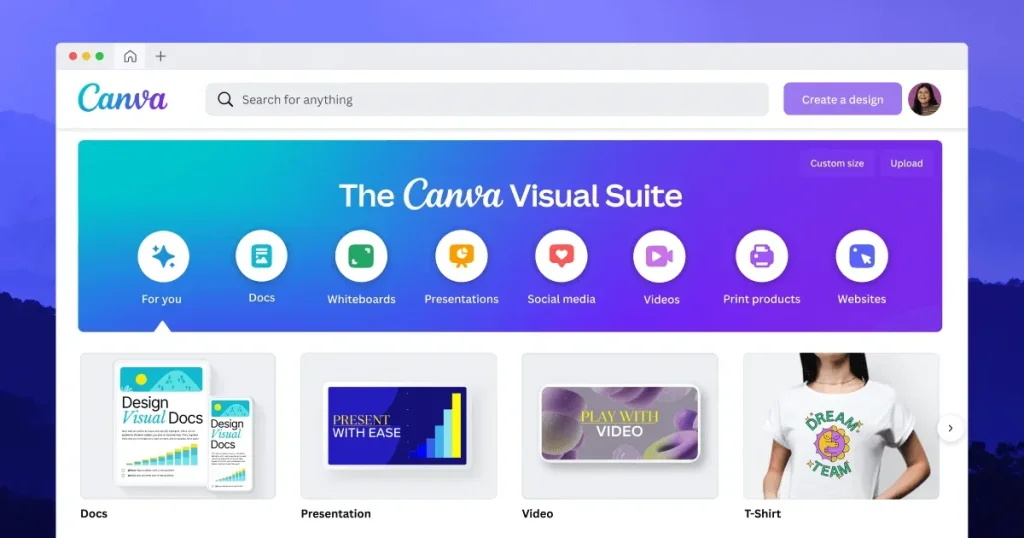
Canva PDFs are full of hidden transparency and clutter that confuse the press. Here is how to make them print-ready in one go with Enfocus PitStop.
Read moreStay up to date with the latest developments in automation, printing technology and digital strategy.

Canva PDFs are full of hidden transparency and clutter that confuse the press. Here is how to make them print-ready in one go with Enfocus PitStop.
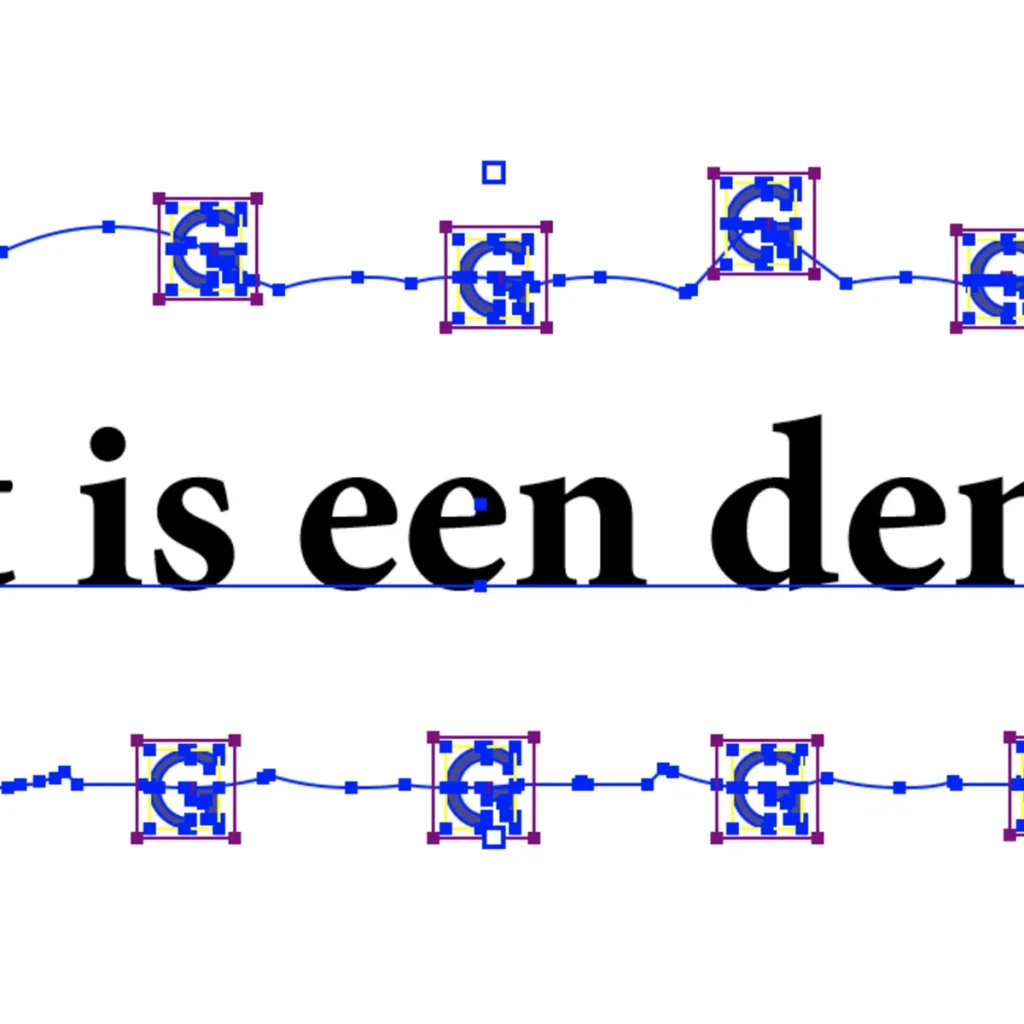
Read morePitStop 26.03 brings 'Distribute along path', an expanded File Manager and the permanent AI chatbot Botus — small improvements with a big impact in daily prepress.
Read more
At the EDP Awards in Barcelona, Enfocus Griffin took home the prize for Software (Automation Solution). A well-deserved recognition for the nesting software that cuts material waste by up to 50%.
Read moreFrom August 2026 Adobe enforces Protected Mode in Acrobat. Only PitStop Pro 26.07 runs safely in it — older versions stop working. The perfect moment to upgrade and discover the benefits of a subscription.
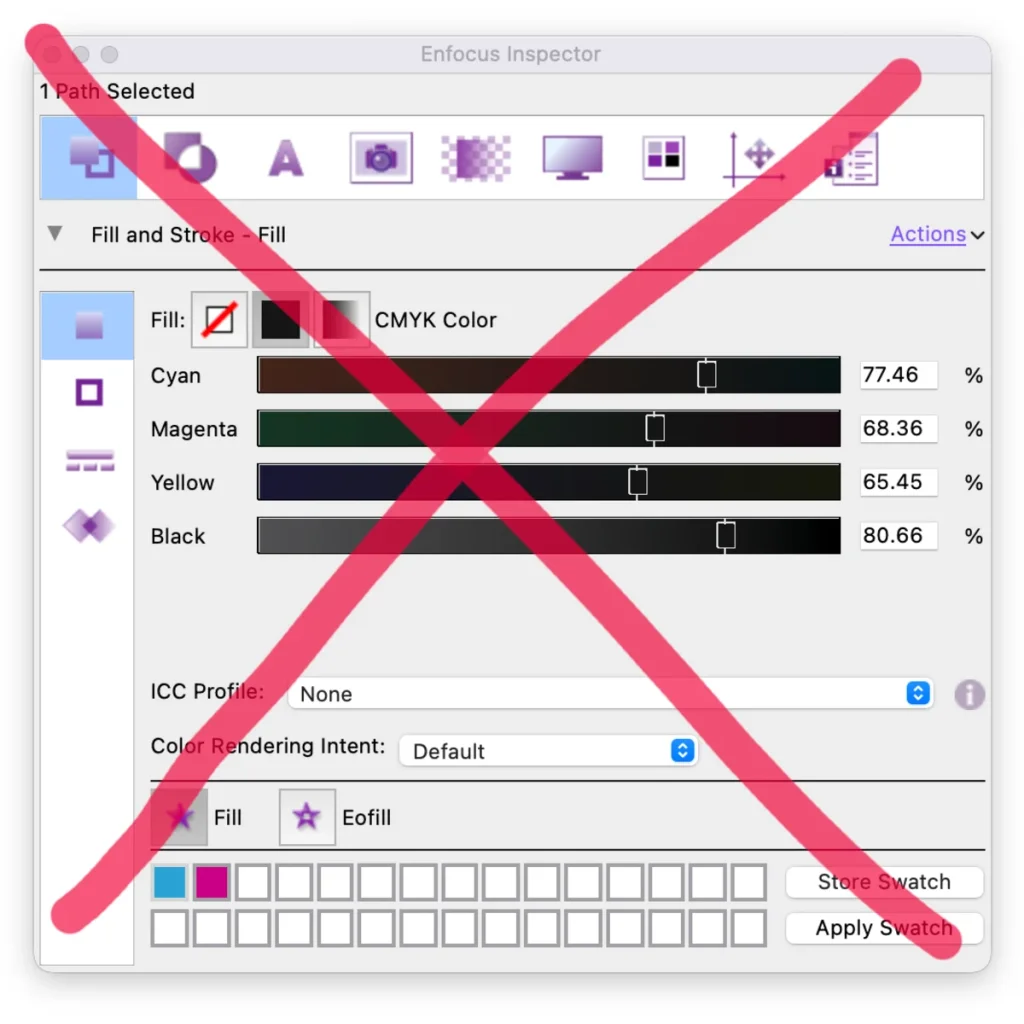
Read moreBlack that suddenly consists of C+M+Y+K? The culprit is often an ICC tag. Remove it with PitStop before any colour conversion and keep pure 100% K.
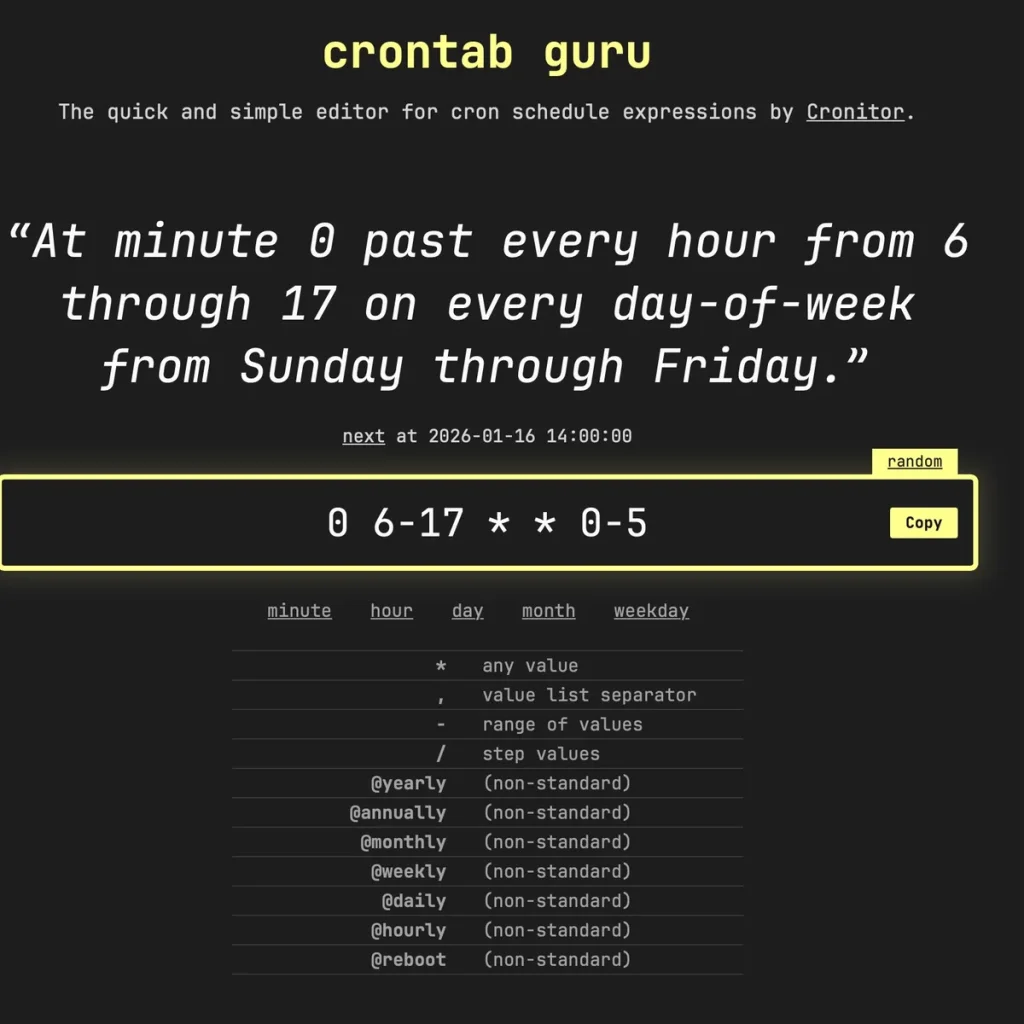
Read moreNot every workflow is event-driven. With Cron you start tasks at a fixed time — and with the Cron Scheduler in Griffin Auto you drive Switch on a fully time-based schedule.
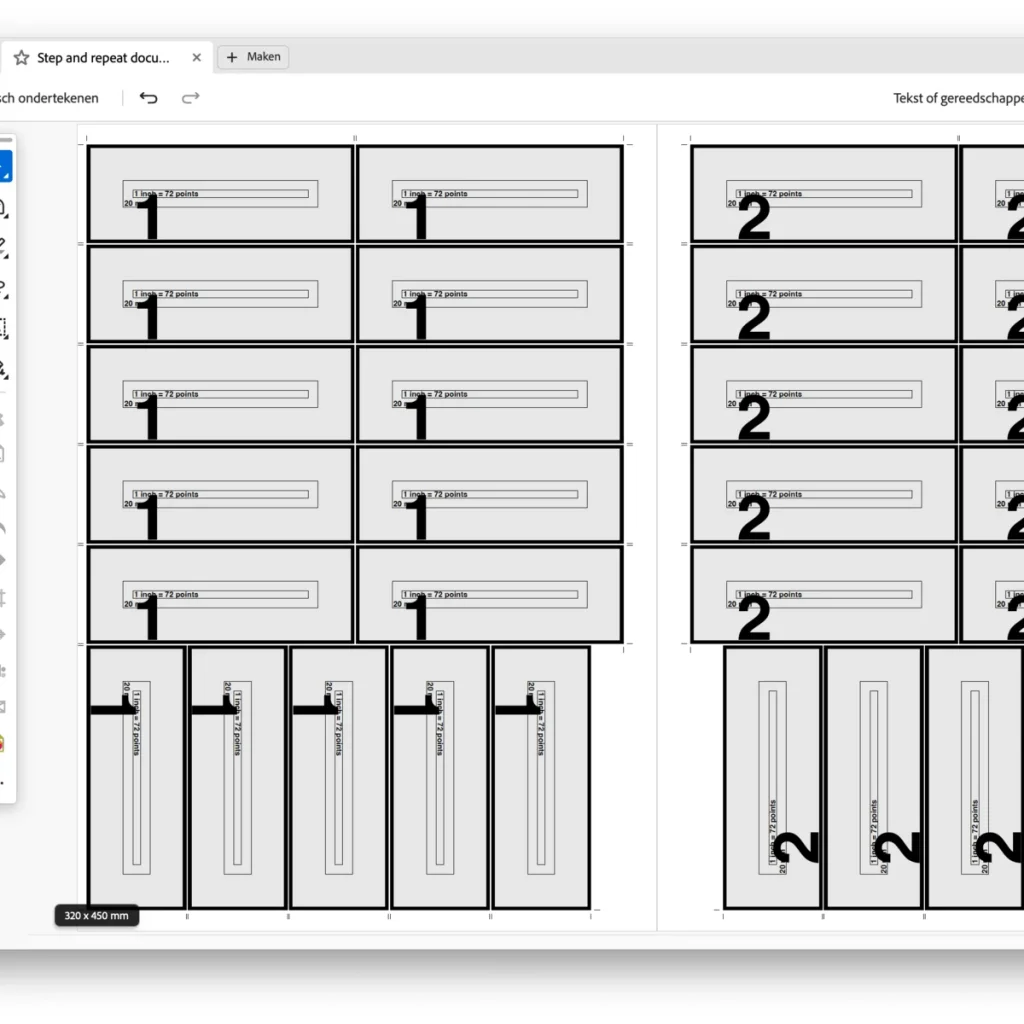
Read moreQuite Imposing 6 automatically rotates jobs to fit more on a sheet — a simple, affordable ganging feature, plus bleed generation and larger PDFs.
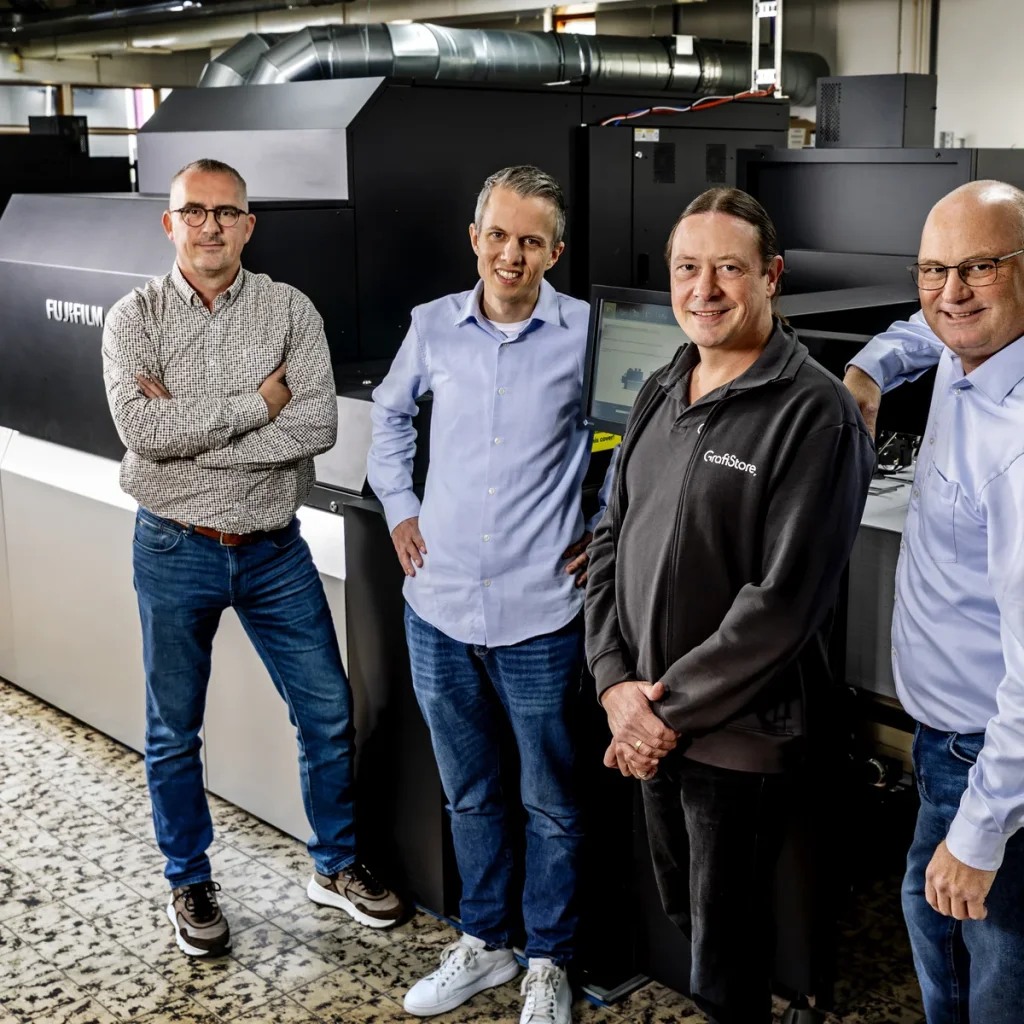
Read moreFujifilm built a digital press department for photo books in seven months. Why they chose Enfocus Phoenix, and how GrafiStore acted as a safety net.
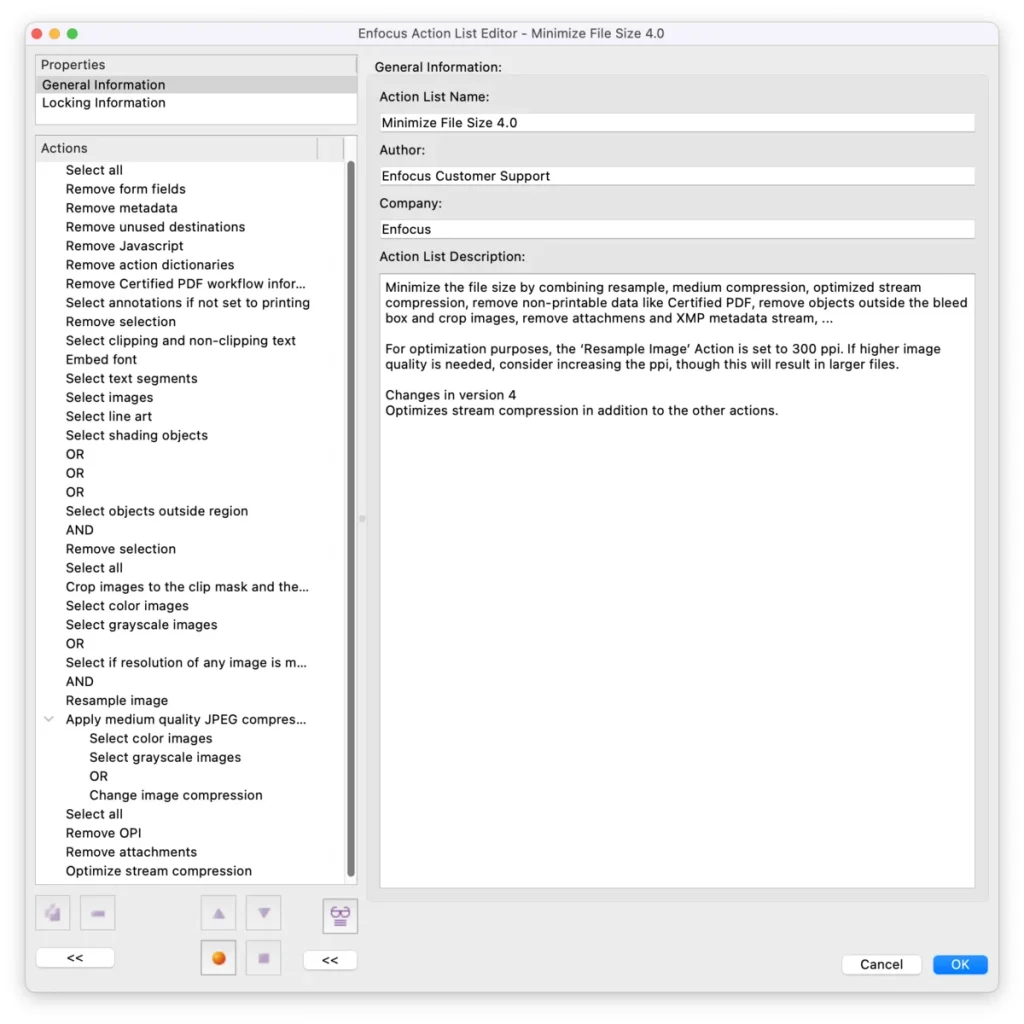
Read morePitStop's new 'Minimize File Size 4.0' shaves up to 88% off your PDFs — including the invisible gain of stream compression. More sustainable and faster for the RIP.
Read moreStandard profiles fix a lot — but who is responsible then? Build a simple PitStop profile that only checks printability and respects the layout.
Read morePage 1 of 5
Get the latest tips on workflow automation straight to your inbox.
By subscribing you agree to our privacy policy.